
After Every Lesson, Parents Asked How It Went. Now They Get a Report.
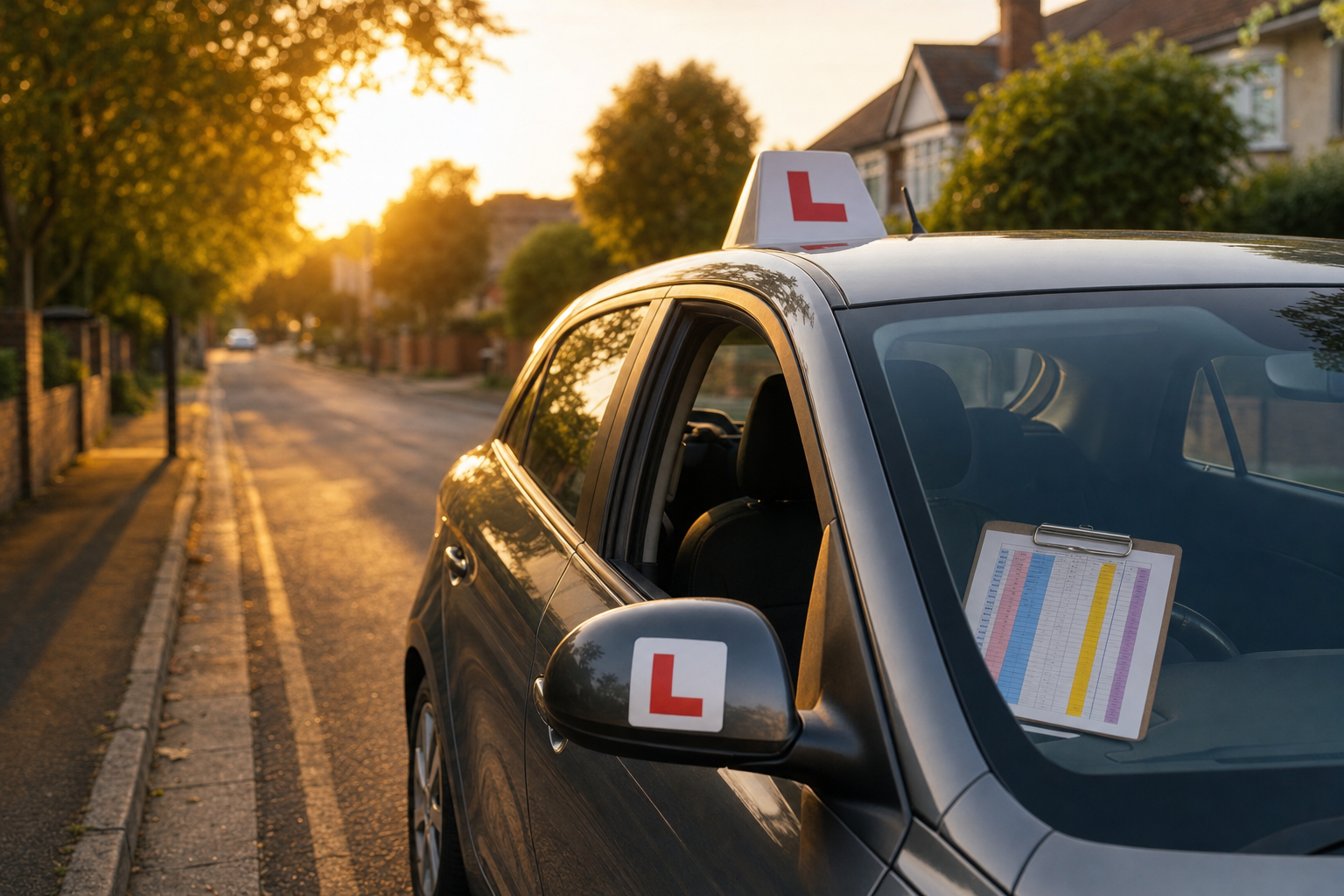
A parent pays for twenty lessons. After each one they ask the same question: "How did it go?" The learner says "fine." The instructor says "coming along." Nobody learns anything, and three weeks before the test the parent finds out the learner still can't handle roundabouts.
A short written report after every lesson fixes that. The trouble is that nobody wants to write one at 5pm after six hours behind the wheel. That is the job of Create a Learner Progress Report Parents Understand After Every Lesson: you paste in your rough notes and get back a clean report in under a minute.
A worked example
Say your notes read: "Mia, 17, lesson 9, 60 min. Roundabouts good, parallel parking bad, hesitated at the dual carriageway slip road. Test in 5 weeks."
The prompt turns that into something like this:
| Skill | Rating |
|---|---|
| Roundabouts | Green |
| Dual carriageway joining | Amber |
| Parallel parking | Red |
Today's wins: Mia read three roundabouts early and picked the right lane each time.
Next focus: Joining fast roads with confidence, and parallel parking reference points.
Homework: Ask an adult to drive you to a quiet street and talk through where you would stop for a parallel park.
It also gives you one honest sentence on test readiness and a 25-word text to send straight after the lesson.
Where the value is
- Time: about five minutes saved per lesson, which adds up to hours across a full diary.
- Fewer awkward conversations: parents see the picture early, so a "not ready yet" decision never lands as a surprise.
- Retention and referrals: parents who can see progress rebook and recommend you.
- Safer practice: the homework line gives learners something specific to do between lessons.
How to use it
- Jot rough notes in your phone straight after each lesson: skills, wins, problems, and any test date.
- Paste them into the prompt with the learner's name, age and lesson length.
- Check the test readiness line yourself, then send the report and the text version.
Always read the output before sending. You know the learner; the prompt only saves you the typing.