
Build your first AI agent team: the AI crew blueprint prompt

Most people's first AI agent does a bit of everything, badly. It drafts some emails, half-researches a competitor and forgets what you told it last Tuesday. After a week you stop using it.
A small crew works better. Give three to five agents one job each, put a lead agent in charge of checking their work and point the whole team at one repeating task. That is the idea behind the AI crew blueprint, a prompt that took off on X with 119 likes. We've rewritten it into two Prompt King prompts:
- The AI crew blueprint for Grok Bot, which builds the crew out of Grok Bots and turns the repeating work into scheduled routines.
- Build your first AI agent team, with any tool, which works with ChatGPT, Claude, Gemini, Zapier, Make, n8n or a code framework, and translates the plan into whatever your platform calls things.
Both follow the same 17-part structure. Both end with a plan that has the crew running without you inside seven days.
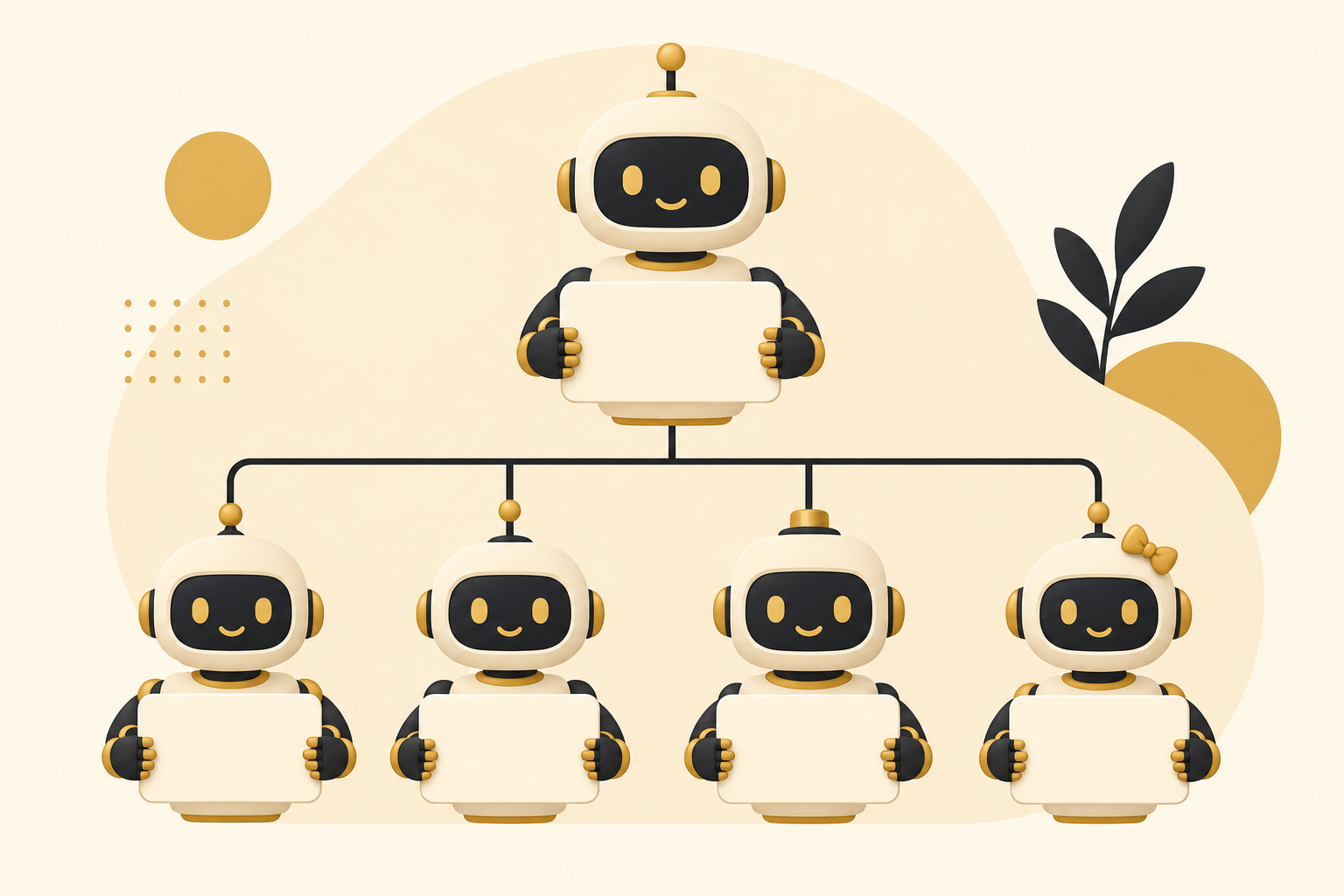
How the blueprint works
The prompt is written in XML-style sections. Each one tells the AI to decide one thing, which keeps the answer organised and stops it skipping the boring but important parts.
1. Pick one job worth handing over
The use_case section scores six common jobs (content and research, lead finding, support, inbox and calendar, competitor tracking, personal productivity) by hours saved, how easy they are to start and how often they repeat. You get one recommendation and a three-line reason.
If you already have a list of candidate tasks, sort them first with the automate, partly automate or keep prompt, or rank them with the automation ROI prompt.
2. Design the crew
team and bot_instructions give each agent a name, one job, its inputs and outputs, what "done" means and what it must never do. Every instruction comes back ready to paste.
3. Wire up handoffs and memory
handoffs sets one format for passing work along: the task, the result, sources, what's still open and what happens next. memory keeps your goals, tone and approved decisions in one shared file every agent reads first. Together they stop the "who did what?" mess that kills most agent setups.
4. Map the workflow and tools
workflow numbers every step from your request to the result, including where it waits for you. tools connects only what each agent needs, because every extra connection is one more thing that can break. For more detail on this stage, pair it with the multi-step agent workflow prompt and the tool-use prompt.
5. Schedule it
routines turns the repeating work into scheduled runs at set times, so the crew keeps working while your laptop is closed. The Grok Bot version uses Grok Bot routines. The generic version uses your platform's scheduler or an automation tool.
6. Plan for failure and keep quality high
failure_modes lists the five most likely ways the crew breaks and what the lead agent does about each. quality stops invented facts, numbers or links reaching you. Want a deeper safety net? Run the error handling and fallbacks prompt on the finished workflow.
7. Set rules you can trust
rules keeps you in control. Anything that sends, posts, pays, signs or deletes waits for your yes. Text inside emails and web pages is treated as data to read, which protects the crew from instructions hidden in content.
8. Measure, launch and improve
metrics tracks three numbers each week: hours saved, tasks finished without you and results you used. An agent that moves none of them in two weeks gets merged or removed. launch_plan runs seven days from creating the agents to choosing what to add next. feedback asks you "keep, change or drop?" after every result and updates the instructions the same day. scale blocks a second crew until the first has run a full week without your fixes.
9. Get the blueprint
output delivers everything, starting with "DO THIS FIRST". start makes the AI ask you up to five questions before it builds anything, so the crew fits your work.
Which version should you use?
- Already on Grok Bot, or want agents that run on a schedule without you writing code? Use the Grok Bot version.
- Using ChatGPT, Claude, Gemini or an automation tool, or still choosing? Use the any-tool version. If you're unsure, it recommends the simplest setup for your job.
Tips from running agent crews
- Start with a job you already do every week. If you can't describe "done", an agent can't either.
- Write the lead agent's checks first. Most of the value comes from what it refuses to pass on.
- Hand an agent a task the way you'd brief a person. This delegation brief prompt works for both.
Want to see a single agent built for one job end to end? Read how to build an AI front desk agent for a local business.
Start today
Pick the version that matches your tools and run the blueprint. Answer its five questions honestly and you'll have a crew design before your coffee goes cold.
Want the prompts that make each agent good at its job? Grab the free Prompt King Handbook, then come back and start building your first AI agent team.