
She Came Home for Christmas. By Take Two She Had a Different Face.
You have a Christmas short that almost works. The tree looks right, the snow is falling, and then in the next shot her face is slightly different. Two scenes later she sounds like a different person. By the end you would not post it.
That is the usual failure of an AI Christmas movie: the look slips, the faces drift, and the video model hands every character a random voice. A widely shared prompt tried to fix this with a full Claude Code workflow. We rewrote it into a structured Pro prompt you can paste in, with placeholders for your story, characters and credit budget.
The full blueprint is live now: Short-Form Video Studios, 90s Christmas Short Film Pipeline for Reels and TikTok. One master prompt runs the whole pipeline in Claude Code, and the listing includes the build playbook, the client-ready pricing, and a cold outreach script you can send today. The Pro prompt is free to copy.
The prompt, Make a 90s Christmas short film for Reels in Claude Code, builds a 2-minute 30-second vertical short as 15 scenes of 10 seconds, each one usable as its own clip.
What the prompt actually does
It starts with a credit check. Before any image or clip is generated, Claude Code looks up your Higgsfield and ElevenLabs balances, estimates the cost of sheets, plates, two takes per scene, voices, sound and the score, and waits for your yes. If the plan would blow the cap, it proposes a tighter one, such as 12 scenes or a single take.
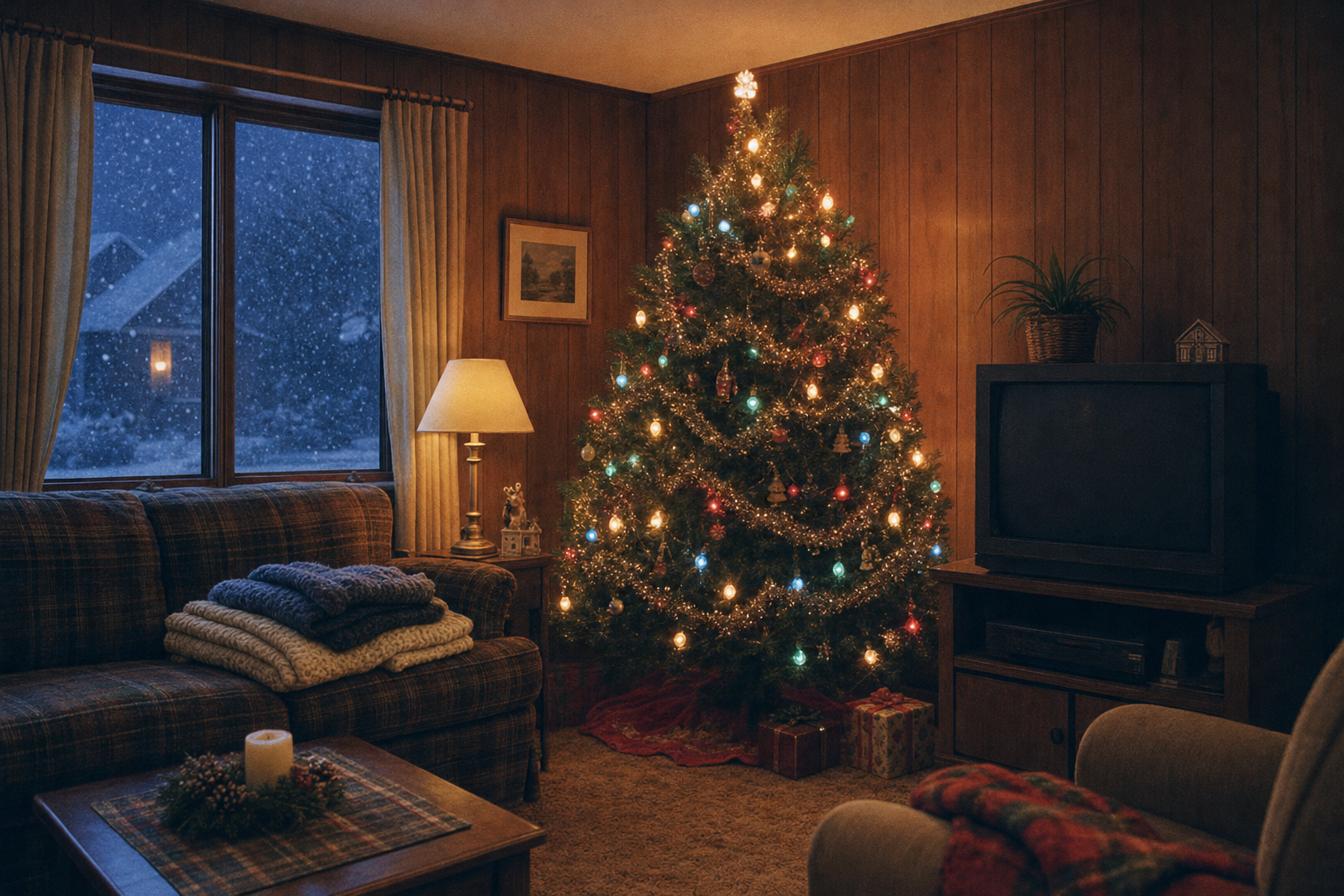
Then it locks the story and the look. You get a 15-scene shot list that opens on the most emotional beat and cuts back to "earlier that December". Every image and video prompt starts with the same 1994 prefix: 35mm Kodak film, warm tungsten interiors, soft blue snow light, fine grain, and period details such as chunky knits, wood paneling, CRT TVs and big-bulb Christmas lights. Phones, LED lights and modern cars stay out.
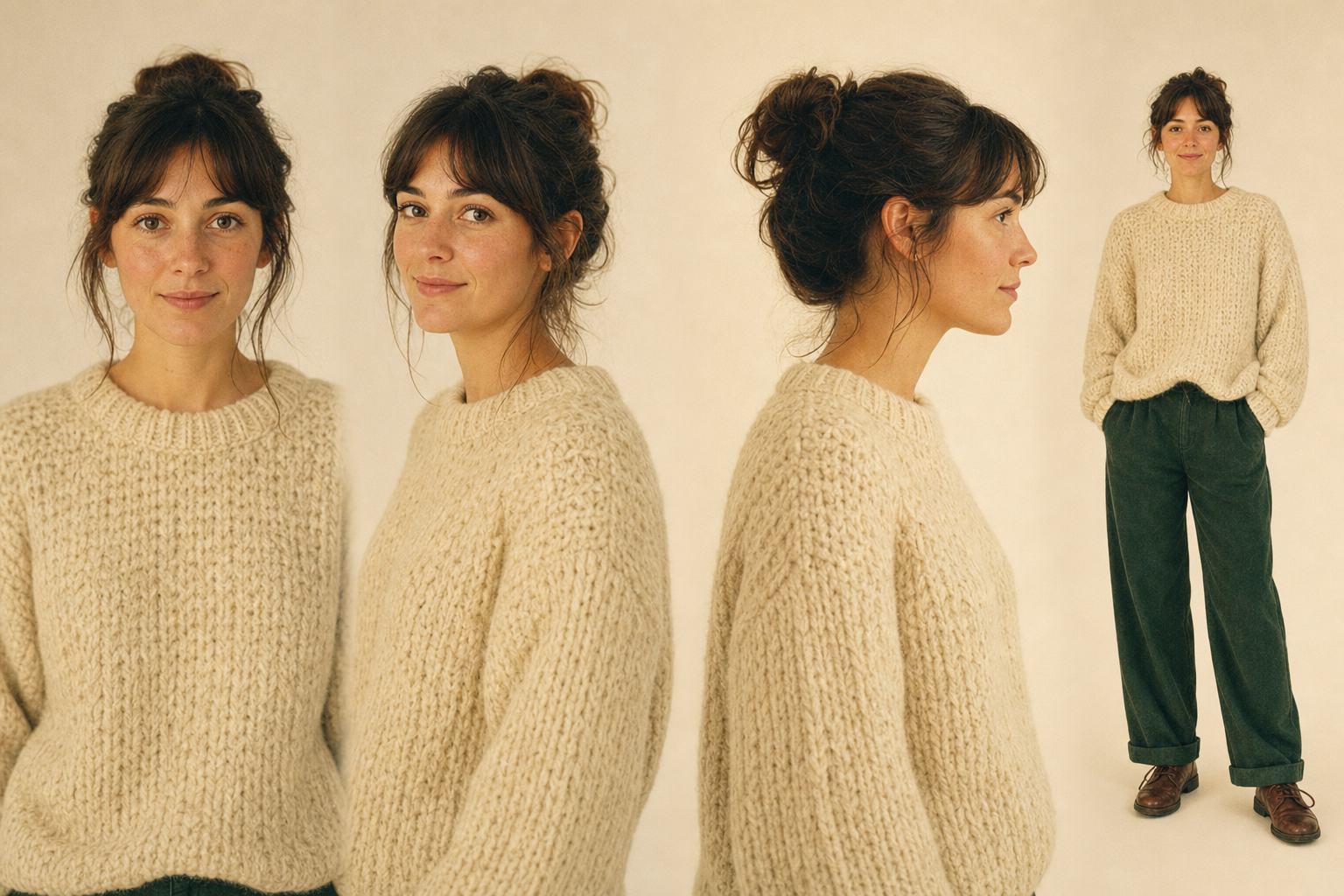
Consistency comes from references. Each character gets a sheet (front, three-quarter, side, full body, three expressions). Each location gets an empty plate. Those images go into every scene so the faces and the house do not drift. Voices are designed per person with ElevenLabs Voice Design, then tested on a real line before any scene is shot.
A worked example
Leave the story placeholder blank and the prompt picks a simple small-town plot. One default is a woman in her late twenties who comes home for Christmas and runs into the boy she left behind. The opening shot is the last scene of the movie: the two of them in the family living room, a slightly crooked star on the tree, and the line "[softly] You still put the star on crooked." Then it cuts to earlier that December, at the tree lot and the diner, and works back to that ending.
Each of the 15 scenes has one shot, one short line, a background sound and a music cue. After the first 3 scenes are built, the prompt stops and shows them to you, with the credits spent so far. You only approve the remaining 12 once those three look and sound right.
Where the value is
The part most AI videos skip is the voice. The video model still assigns a random voice to every take, so the talking often feels wrong even when the picture is close. This prompt pulls the audio, cleans it with Voice Isolator, finds each line with Speech to Text, and runs it through Voice Changer in the character's designed voice, laid back at the same timestamp so the lips still match.
Talking close-ups can go through ElevenLabs Chimera. If the MCP cannot run it, you get a pack of the image, the line and the voice to finish in ElevenCreative. Sound effects sit under every scene, and the score is an original instrumental 90s Christmas cue (orchestra, celesta, sleigh bells, strings), ducked under the dialogue. Real songs stay out.
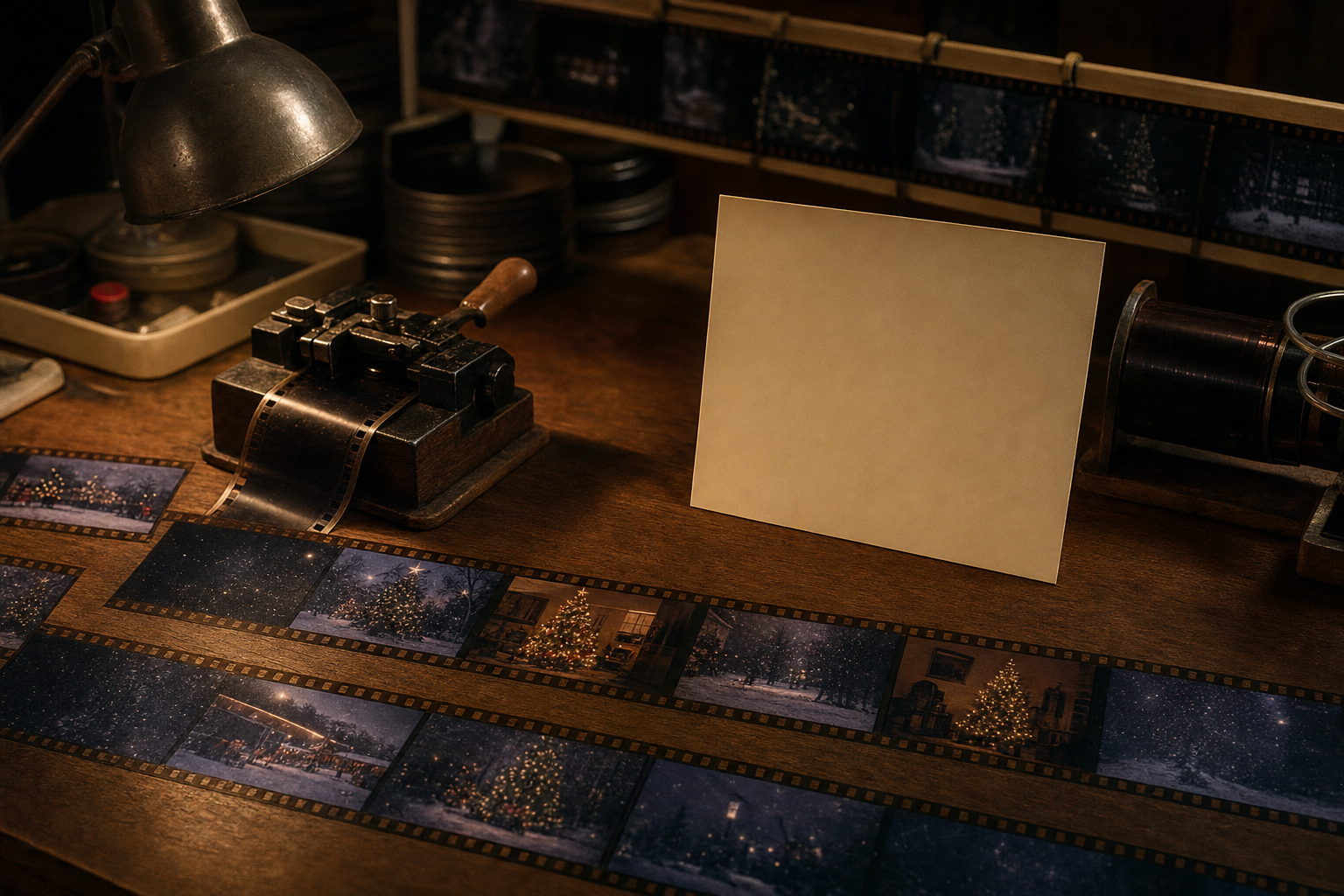
The finish is an ffmpeg cut at 24fps, with a light grain pass and a title card in a classic 90s serif over falling snow. You leave with the full movie and 15 individual clips, each with a short caption.
To tighten the camera plan before you spend credits, run your story through the shot-by-shot production shot list prompt first, or use the voice persona brief prompt to describe each character's voice in more detail.
How to use it
- Open Claude Code with the Higgsfield and ElevenLabs MCPs connected, and copy the master prompt from the 90s Christmas short film blueprint.
- Fill in the placeholders you care about (story, characters, locations, runtime, aspect ratio, credit cap). Leave any of them blank to use the defaults.
- Approve the credit estimate, then review the first 3 scenes before you let it finish the remaining 12, the voice swap, the score and the 24fps cut.
Have a story in mind, or let it pick one of the three small-town defaults.
Get the complete blueprint here: Short-Form Video Studios, 90s Christmas Short Film Pipeline for Reels and TikTok. It includes the full master prompt, the 8 studio fields, the 10-step build playbook, the 8-step sell-and-run playbook including the app wrap, the tool stack, and a cold outreach script written to be sent as-is. The Pro prompt is free to copy.