
The AC Died On The Hottest Day. The Shop Still Could Not Say What It Would Cost.
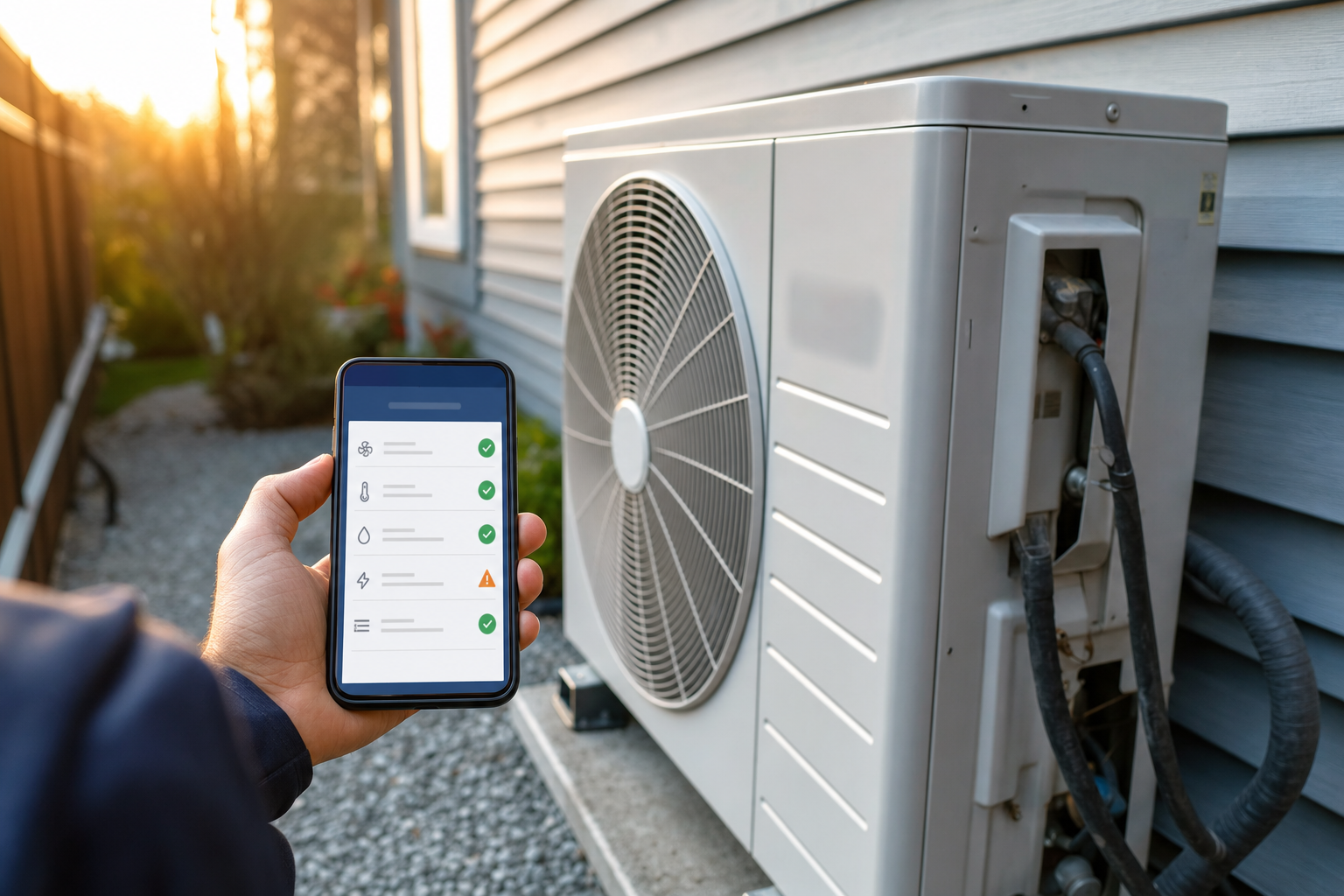
The call comes in on the hottest day of the summer. The AC is dead, the homeowner wants to know how much this is going to cost before they'll even book a visit, and the person answering the phone has no way to give them a real number. So the office either quotes a guess, which can come back to bite them if the real job costs three times that, or tells the caller a technician has to come out first, which is exactly when a chunk of callers hang up and dial the next company on the list instead.
That moment, the ten seconds between "how much" and either a booked job or a lost lead, is where most independent HVAC shops are losing to competitors who simply answered with a number faster, sometimes a rougher number, just a quicker one.
Multiply that by every hot afternoon and every cold snap, and the pattern becomes obvious. Industry research on HVAC lead costs puts the average cost per lead from Google or Facebook ads somewhere between $75 and $300, sometimes higher for competitive metro areas. Every one of those leads that hangs up rather than waits for a callback is money the company already spent, gone. Most shops never see that loss on a spreadsheet. It just shows up as a slightly lower close rate that everyone assumes is normal, because almost no one tracks exactly how many "just wondering about pricing" calls disappear before a technician ever gets dispatched.
The usual fixes don't actually touch this problem. Hiring a second dispatcher helps with call volume, not with the seconds-matter moment of a price question. A nicer website with a contact form still makes the visitor wait for someone to call them back. Even a well-run answering service is still a human on the other end trying to give a rough number for a problem they can't see, which either undersells the job or scares the caller off with a worst-case estimate.
None of that is a criticism of how these shops operate. It's a gap in what phone-and-form intake can physically do. A structured, digital-first triage step is the only thing that closes that gap without adding headcount.
The HVAC Companies, Symptom Triage & Instant Repair-or-Replace Quote Tool is built to close that exact gap: a homeowner answers a few plain questions, uploads two photos, and gets an honest price range and a repair-or-replace answer in under two minutes, before anyone at the company has said a word to them.
Why this isn't another "AI sees your problem" gimmick
Plenty of instant-quote tools lean on a single flashy claim: upload a photo, the AI diagnoses it. That works reasonably well for a car dent or a damaged roof, where the problem is genuinely visible. HVAC doesn't cooperate the same way. A photo of an air conditioner tells you almost nothing about why it stopped working. The real signals, a rattling sound, a clicking noise before it dies, whether air is still moving, whether the thermostat display looks normal, are things you hear and observe, not things a static photo captures.
So this blueprint doesn't pretend otherwise. The photos still matter, but for a different, more honest reason. One photo is the metal data tag on the unit, the sticker with the model and serial number that most homeowners have never looked at twice. That single photo tells the tool the unit's age and refrigerant type, which turns out to be one of the two most important facts in the entire diagnosis. The second photo is a general shot of the unit itself, checked for the handful of things that genuinely are visible: ice on the coil, rust, obvious physical damage.
The actual diagnosis comes from a short, specific questionnaire: what kind of sound, if any. Whether air is still coming out of the vents. What the thermostat is doing. When it started. That combination, symptom pattern plus unit age plus a couple of visual red flags, is what a technician is already running through in their own head on the drive over anyway. This tool just runs it before the truck leaves the shop.
A worked example
Picture a homeowner whose AC quits on a 95-degree afternoon. Instead of calling and getting voicemail, they open the company's branded triage tool. They pick central air, answer that it's making a clicking sound repeatedly, that no air is coming out at all, that the thermostat display still looks normal, and that this started just today. They upload a photo of the data tag, which the tool reads and works out the unit is fourteen years old, and a photo of the outdoor unit, which shows no visible ice or damage.
The pattern, a repeated clicking sound with no airflow, points strongly toward a failed capacitor, one of the single most common AC failures and one of the cheapest to fix. But the tool also checks the unit's age against the estimated repair cost using a simple rule built into the blueprint: if a repair would cost a large enough share of what a full replacement runs, and the unit is old enough that sinking more money into it is a bad bet, the tool flags a replacement quote instead. At fourteen years old, that threshold isn't crossed yet for a capacitor-level repair, so the homeowner sees the repair diagnosis, a clear price range, and a "book a technician" button, with the standard service call fee shown up front and credited toward the repair if they proceed.
They book. The office gets a text within seconds with the diagnosis, the photos, and the price range already attached. The technician who takes the job glances at it before leaving the shop, grabs a capacitor from the van stock just in case, and arrives already knowing roughly what they're walking into instead of starting the visit from zero. What used to be a diagnostic call followed by a second call to fix it, two truck rolls, becomes one visit that's already three-quarters diagnosed before the tech knocks on the door. The full scoring logic behind that capacitor-versus-replacement call, and every other diagnosis path, is laid out step by step in the master prompt itself.
Now picture the same homeowner, same clicking sound, except the tool reads a twenty-two-year-old unit off the data tag. The math changes. A capacitor swap on a unit that age, with the compressor itself statistically close to the end of its life, tips past the replacement threshold. Instead of a repair quote, the homeowner sees a clear, plain-English explanation of why replacement is the smarter call at this unit's age, along with a full-system price range. That's a fundamentally different, much higher-value lead landing in the company's dashboard, and it landed there without a single phone call.
Who should build and sell this
This fits an HVAC company that already books fifteen or more service calls a month and is spending real money on Google or Facebook leads, the kind of shop where a chunk of those clicks are people who just wanted a ballpark price and never converted into a booked visit. Independent shops competing against national franchises with slicker websites are the sharpest fit, since this closes exactly the speed-and-trust gap those franchises otherwise win on.
The full blueprint lays out realistic pricing for reselling this: a one-time setup fee in the $2,500 to $3,500 range, and a monthly retainer of $297 to $497 covering hosting, SMS costs, and keeping the diagnostic price ranges tuned to the client's real market. The build itself runs through Lovable using the master prompt included in the blueprint, with Twilio handling the SMS alerts that fire the moment a lead comes in.
The economics behind that pricing are worth sitting with for a second. A single repair job the tool helps book might be worth $150 to $4,650 to the client. A single replacement lead, the kind the age-and-cost threshold logic exists specifically to surface, is worth $7,000 to $20,000. One booked replacement that might otherwise have gone to a faster-answering competitor can cover the entire year's retainer by itself. That asymmetry is why the blueprint includes an optional performance bonus on top of the flat retainer, an extra $50 to $100 a month for every ten booked jobs sourced through the tool past an agreed baseline, since the value it's generating scales well past what a flat monthly fee captures.
A quick way to spot a bad-fit client before you waste a build cycle: a shop that answers every call live, never misses one, and already quotes over the phone with confidence has less to gain here. The right client is the one who already knows their after-hours voicemail box fills up on the first cold night of the season, or who's watched a competitor's shinier website win a job they should have gotten. That frustration is the sales conversation half-written for you.
Where new resellers get this wrong
The most common mistake isn't technical, it's skipping the pricing calibration step. It's tempting to hand the client the tool with the blueprint's seeded default price ranges and call it done, since those defaults are grounded in real national repair-cost data and look reasonable on paper. But HVAC pricing varies a real amount by region, and by each shop's own labor rates and markup. A client in a high-cost metro area whose actual capacitor repair runs $450 will lose trust fast if the tool quotes a national-average $80 to $400 range and their tech shows up with a number outside it. Sit down with the client's real numbers before launch, not after the first confused customer calls to complain.
The second mistake is treating the age-and-cost replacement threshold as something to set once and forget. That single number, the percentage of replacement cost above which the tool nudges toward a new-system quote instead of a repair, is the difference between this tool feeling like a smart advisor and feeling like a company trying to upsell every visitor a new unit. Review it with the client after the first month of real leads, not before, since you won't know how it's actually landing with their customers until it's seen real symptom combinations.
Why this is worth building now
Instant, photo-based quoting has already become table stakes in roofing, moving, and a handful of other home-service categories, and the companies still making customers wait for a phone call in those spaces are visibly losing ground. HVAC has lagged behind, largely because the "just take a photo and we'll diagnose it" pitch that works elsewhere doesn't hold up for a category where sound and behavior matter more than appearance. That mismatch is exactly why most attempts at this have felt shallow or gimmicky. Building it around a real symptom questionnaire instead of an oversold photo trick is what makes this version usable on day one instead of merely impressive in a demo.
There's also a widening gap between how national HVAC franchises present themselves online and how most independent shops still do. A one-person operation with two vans and a great reputation on Google reviews is still, in most cases, competing against a franchise landing page with instant scheduling widgets and slick financing calculators. The independent shop usually wins on trust and on the quality of the actual work. It loses on the first thirty seconds of the buying decision instead, before either factor gets a chance to matter. A tool like this hands that first thirty seconds back to the shop that deserves the job.
Every business this ships to also becomes a real app with a home screen icon, well beyond a plain web dashboard. The blueprint's final build step wraps the finished tool through AppBuild.DIY, turning it into a native iOS and Android app with a home screen icon and real push notifications, so both the homeowner's diagnosis confirmation and the dispatcher's new-lead alert land as an actual notification instead of a text easy to miss in a busy inbox.
If you're already reselling white-label apps or looking for the next vertical to build out, the full build steps, the exact master prompt, and the sales script are all in the HVAC Symptom Triage & Instant Quote blueprint, ready to fill in with a real client's numbers and ship this week.