
The Run-of-Show That Keeps Your Event on Time
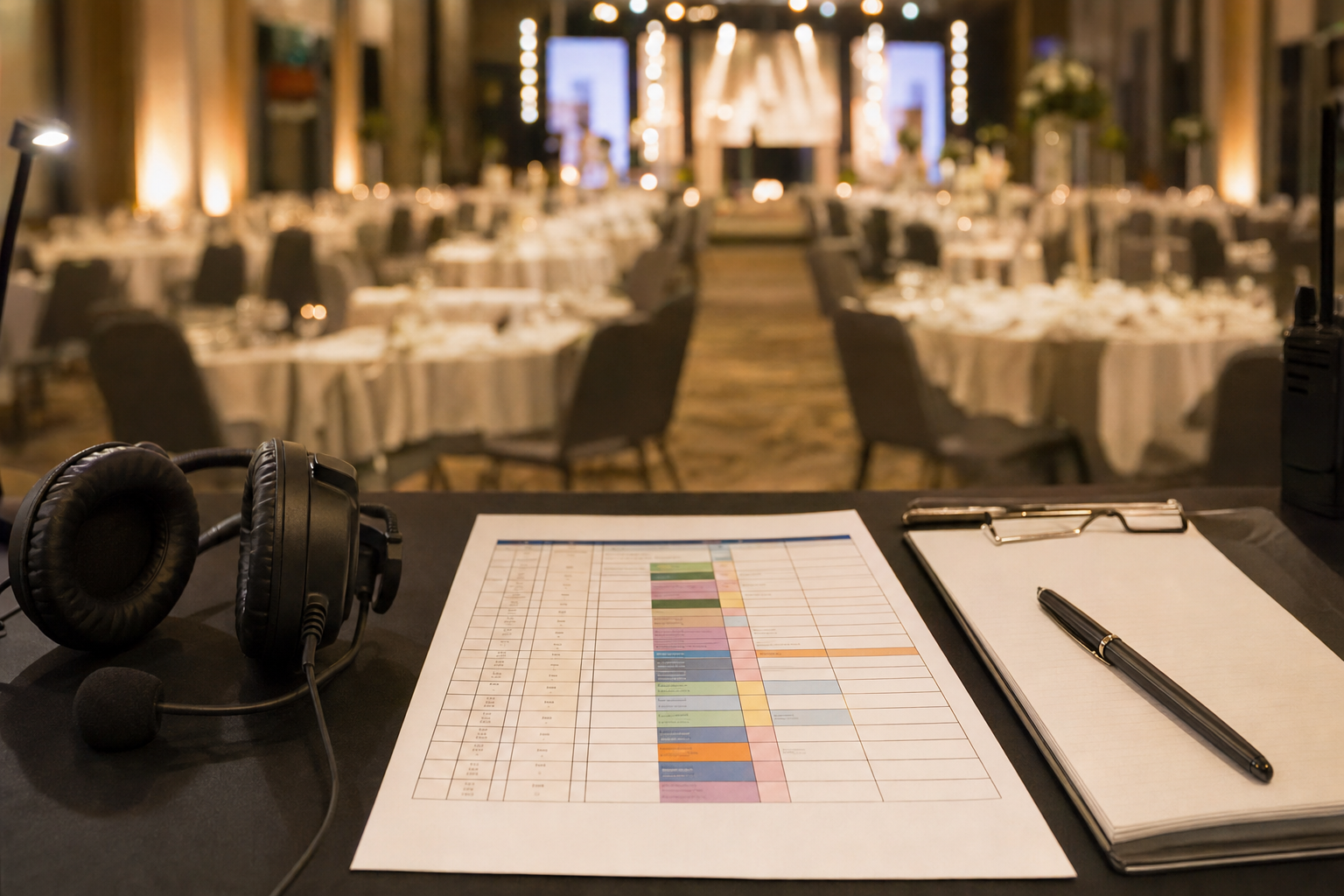
The caterer thinks dessert is at 9:15. The band thinks they start at 9:00. The MC has no idea either is true. Nobody was careless. Each of them was working from a different version of the evening, and nobody had written the one that matters: the run-of-show.
A run-of-show is the single minute-by-minute document everyone works from on the day. It is not the programme guests see. It says who does what, when, and what cue tells them to start. Most event problems come from handoffs between people, and this is where handoffs get named.
The prompt that builds it
We published Build a Run-of-Show Timeline for Your Event Day for exactly this. You give it the event type, headcount, venue, door and finish times, key moments and supplier load-in windows. It returns a table with clock time, duration, owner, cue and support actions for every row.
A worked example
Say you are running a 120-person charity dinner. Doors at 6:30pm, finish at 11:00pm, with a welcome speech, three courses, an auction and a band. A slice of the output looks like this:
| Time | Duration | What happens | Lead | Cue |
|---|---|---|---|---|
| 6:30pm | 45 min | Doors, drinks reception | Front of house | Venue unlocked, band soundchecked |
| 7:15pm | 10 min | Seat guests, welcome speech | MC | Lights dim twice |
| 7:25pm | 50 min | Starter and main service | Catering lead | MC finishes speech |
| 8:15pm | 25 min | Auction (buffer: 10 min) | Auctioneer | Plates cleared |
Below the table you get the five riskiest handoffs. Here, the plate clearance into the auction is one, because a slow kitchen pushes everything back. The prompt suggests a fallback: start the auction between courses if service is more than ten minutes behind.
Where the value is
- Time saved: a first draft that would take an hour or two arrives in a minute, and you spend your time correcting it.
- Errors avoided: the cue column forces the question "what tells this person to go?" Gaps show up on paper, not at 9:15pm.
- Buffers built in: overrun-prone segments get slack added, so one late speech does not wreck the night.
How to use it
- Copy the prompt and replace every bracketed placeholder with your real details, including supplier load-in windows.
- Review the table with your venue manager and lead supplier. Fix any time or cue that does not match reality.
- Share the final version with everyone on the day, and keep one printed copy at the control desk.
The output is a draft, not gospel. Your own site knowledge always beats a generated timing. But starting from a full table you can mark up is far faster than starting from a blank page.