
Cosmetic Dentist Smile Preview
Patient uploads selfie or coordinator snaps photo on iPad → AI shows them their potential new smile in 90 seconds (whitening, veneers, Invisalign, full makeover) → converts curiosity into consultation booking. Designed for cosmetic dentistry case acceptance.
This blueprint is free. Copy the master prompt below, build it with your own time, and the only outlay is a few low-cost tool subscriptions. Use it inside your own business, or sell it to clients. The numbers further down are what you can charge, not what you pay.
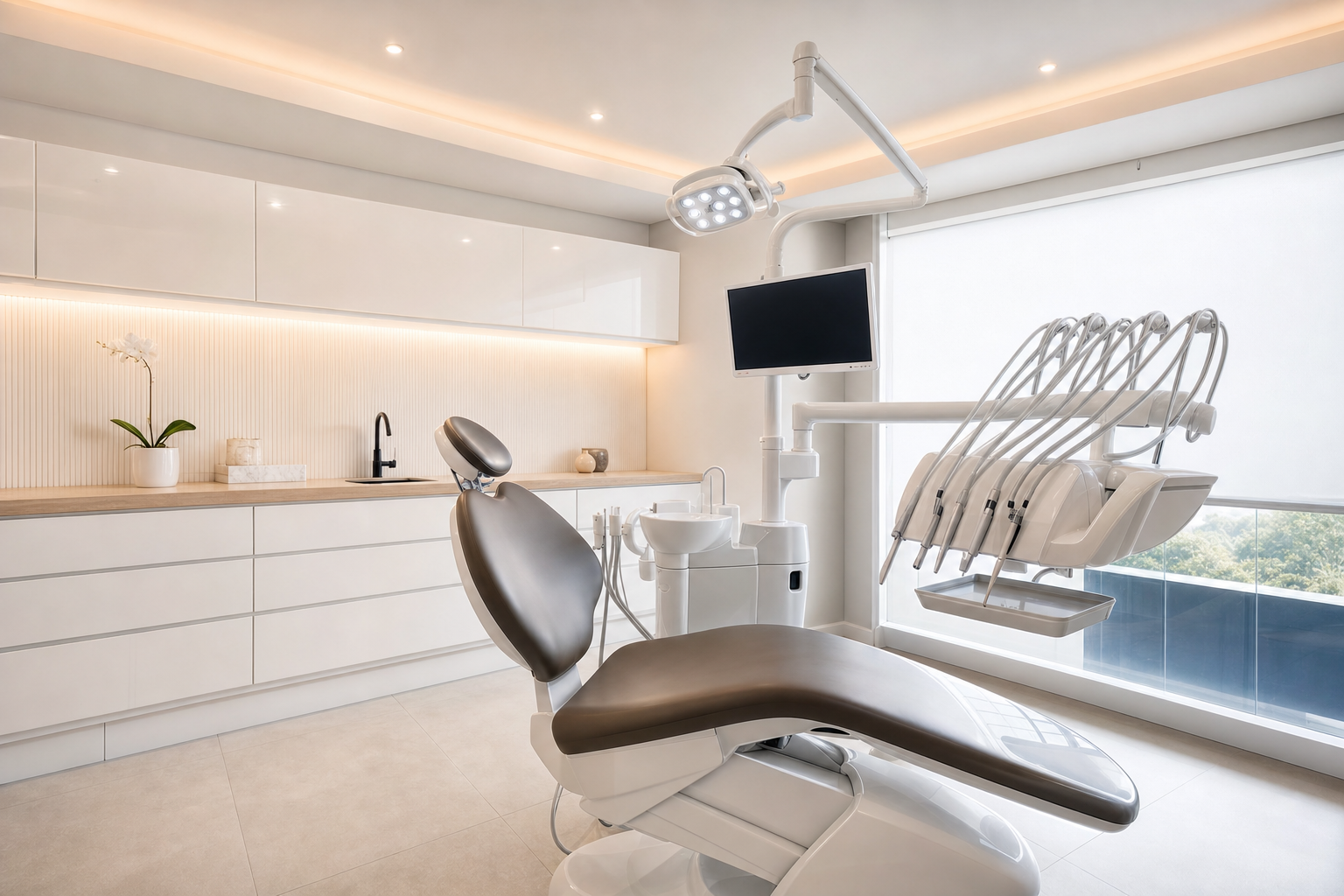
Cosmetic Dentist Smile Preview
Read the articleWho you sell it to
Cosmetic dentists, smile makeover specialists, Invisalign providers, and aesthetic dental practices. Target practices that: - Already invest in cosmetic procedures ($1k+ veneers, Invisalign, smile makeovers $10k+) - Have a dental coordinator or treatment plan presenter (not solo-practitioner offices doing only general dentistry) - Run paid Meta/Google ads for cosmetic procedures - Charge $300+ for initial cosmetic consultations - Have visible "smile gallery" before/after photos on their website (signal they care about aesthetic outcomes) - Are in metros with median income $80k+ (cosmetic dentistry is discretionary spend) Particularly strong fit for: smile makeover specialty practices, Invisalign Diamond+ providers, cosmetic-only offices, practices using Cerec same-day crowns. The pitch lands hardest with dentists frustrated by low case acceptance ("patients consult, leave to 'think about it', never come back").
Less ideal for: pediatric dentistry, oral surgery only, emergency-only practices, Medicaid-dominant practices.
If you sell it, here is the money picture:
The first tile is the value of your client's own jobs, which is the reason they will pay you. The other two tiles are what you charge them.
How it works
A patient (in-office or via web form) submits a clear front-facing smile photo. The AI processes the photo, isolates the mouth region, and generates a "before vs after" visualization showing what the patient's smile could look like after a specific cosmetic procedure (whitening, bonding, veneers, Invisalign end-state, implants, or full smile makeover combo). The tool ships with TWO deployment patterns operator chooses during setup: PATTERN A, IN-OFFICE CONSULTATION TOOL (highest conversion): The dental coordinator sits with the patient at an iPad.
Snaps a smile photo. Discusses procedure options. Generates preview live.
Patient sees themselves with their dream smile within 90 seconds. Coordinator transitions: "What would feel right for you?" → treatment plan signed. This pattern lifts in-chair case acceptance from typical 30-40% to 60-75% on cosmetic cases.
Mark Hall (real cosmetic dentist case study) reported: "Before this we'd present a $15k veneer plan and 30% would say yes. After adding visual preview to consultation flow: 65%+ say yes the same day. Same plan, same dentist, same patient.
The visualization changed everything." PATTERN B, LEAD-GEN LANDING PAGE (highest volume): The dentist runs Meta/Google ads to a landing page: "See your dream smile in 90 seconds, free preview." Prospect uploads selfie, fills brief form (name, phone, procedure interest), receives preview via email/SMS within 5 minutes. Office automatically contacts within 24 hours to book consultation. Pattern B converts cold-traffic Meta ad clicks to consult bookings at 8-15% (vs typical 2-4% for direct "book consultation" CTAs).
THE TECHNICAL FLOW:
- Photo uploaded via iPad app or web form
- AI image editing model (nano-banana or similar) inpaints only the mouth region, leaves rest of face untouched (avoids uncanny valley)
- Generation constrained by selected procedure type: - Whitening: shade lift 2-4 levels, no shape changes - Bonding: fix small chips/gaps, minor reshape - Veneers: full smile transformation (uniform shade, ideal proportion, natural translucency) - Invisalign end-state: aligned teeth in current shade - Implants: fill missing tooth gaps - Smile makeover: combination optimized for patient's existing facial structure
- Side-by-side before/after rendered
- Mandatory disclaimer overlaid: "Digital visualization, not a clinical guarantee. Actual results depend on your dental anatomy, gum health, and chosen treatment plan. Final results discussed during consultation."
- Result delivered to patient (iPad screen for Pattern A, email/SMS for Pattern B)
- Lead captured in admin dashboard with full audit trail HIPAA + PRIVACY ARCHITECTURE: - Patient photo NEVER stored permanently without explicit opt-in consent - Default: photo + preview deleted from storage after 24 hours - Patient consent collected via signed digital form before processing - AI processing happens via HIPAA-compliant infrastructure (BAA with image AI provider required) - Audit log retains: timestamp, IP, procedure type, model version (NOT the image) - Practice keeps only metadata + consent record unless patient opts in to "save my smile preview" feature
What to expect
This is the most legally complex tool in the library, HIPAA, patient consent, dental board advertising rules, and AI-generated visualization liability all converge. Expect Base44 to take 40-60 minutes to build. Likely follow-up prompts:
If AI image generation looks uncanny: "The AI is regenerating the entire face, not just the mouth region. This creates uncanny valley issues, even when teeth look perfect, the face doesn't quite match the patient. Verify: (1) we're using region-constrained inpainting (mask the mouth area only, leave rest of face untouched), (2) the AI prompt explicitly says 'Do not modify face, lips, or gum line, only modify teeth', (3) we're feeding a precise mouth-region mask to the model, not the full image.
If using nano-banana, ensure mask parameter is being set correctly. If model still regenerates whole face, switch to a more controllable model with strict masking support."
If patient photos are being retained past 24 hours: "CRITICAL HIPAA VIOLATION: photos retained beyond auto-delete window. Audit the cron job, it must run hourly and delete any SmilePreviewSession.photo_storage_path where (created_at < now - 24 hours) AND (photo_opt_in_saved = false). Verify the deletion is hard delete from storage, not just NULL'ing the path field.
Verify the deletion is logged in audit log. Verify a daily compliance report shows zero photos older than retention period."
If consent form isn't legally airtight: "Consent form text needs review by an attorney familiar with HIPAA and dental practice. The default text covers the basics but may not satisfy state-specific requirements. Recommend the practice's malpractice insurance attorney review before deployment.
Include specific language about: AI processing, retention period, right to delete, no clinical guarantee, marketing use opt-in (defaulting to NO)."
If lead-gen landing page isn't converting: "Landing page conversion is below 8% (industry benchmark for this type of tool). Common issues: (1) hero copy too generic, should specifically address 'see your dream smile in 90 seconds, free preview', (2) form has too many fields, phone + email + photo only, all other questions optional, (3) trust signals missing, add dentist credentials, before/after testimonials, accreditation logos, (4) page loads slowly, optimize images, lazy-load below-fold content, (5) mobile experience is poor, test on actual phones, not just browser dev tools."
If in-office iPad workflow is slowing coordinators down: "Coordinator feedback indicates the workflow is too many steps. Streamline: (1) auto-fill patient info from PMS when integrated, (2) consent capture should be one screen with all checkboxes visible at once (not multi-step), (3) photo capture should default to camera mode on iPad (not file picker), (4) procedure selection should remember coordinator's most-used procedures as quick-tap defaults, (5) preview should auto-display in full-screen mode when ready. Total session time goal: under 5 minutes from consent to preview display."
If state dental board flags AI advertising: "Some states have specific rules on AI-generated dental marketing claims (the visualization could be considered 'before/after photography' which is regulated). Verify: (1) every visualization includes the mandatory disclaimer prominently, (2) marketing materials don't claim 'guaranteed results', (3) the practice's standard malpractice attorney has reviewed the system and signed off. If state board flags it, the disclaimer language may need to be strengthened or the marketing use restricted."
The biggest gotcha: BAA chain. The AI image provider MUST have a BAA in place, otherwise the tool cannot legally process real patient photos. Many image AI providers don't offer BAAs at all, or only offer them on enterprise plans.
Verify BEFORE building, not after.
The second biggest gotcha: clinical credibility. The AI generates an aspirational visualization, but the patient's actual results depend on their dental anatomy. If the rendered preview is unrealistic (too perfect, doesn't account for their gum line or bite issues), the patient signs up, gets actual veneers, and is disappointed compared to the rendered preview.
This creates legal liability AND damages the practice's reputation. The disclaimer is the legal firewall, but the renderer should also be calibrated to produce REALISTIC, not idealized, results. A coordinator review step before showing the patient is recommended for high-value cases.
Master prompt
You are an expert full-stack builder. Build a production-ready tool that… (the complete master prompt, custom input fields, build phases, pricing guidance and sales script are part of this blueprint.)
Build phases
Required tools
The AI builder
App builder hosting database, image processing pipeline, iPad PWA, lead-gen landing page, admin dashboard, audit log.
Builder plan $50/mo (verify HIPAA BAA, may require enterprise tier)
Sign upAI image generation provider (Google Vertex AI Imagen or equivalent)
Mouth-region inpainting for procedure-specific smile preview generation.
~$0.10-0.30 per generated preview (~$50-200/month for typical practice); BAA required (verify on chosen provider)
Sign upTwilio
SMS delivery of preview link to patient, follow-up sequences, A2P 10DLC for healthcare campaign.
$1.15/mo per number + ~$0.008 per SMS; BAA available on healthcare plans
Sign upPostmark (or SendGrid/AWS SES)
Email delivery of preview with branded HTML template, follow-up sequences.
$15-50/mo depending on volume; BAA available on enterprise plans
Sign upCustom domain + DNS (Pattern B)
smile.practicename.com subdomain for lead-gen landing page.
Typically already owned by practice; no additional cost
Sign upMalpractice attorney legal review (one-time)
Consent form + disclaimer text + state-specific compliance review before launch.
$500-2,000 one-time depending on attorney's hourly rate
Sign upAppBuild.DIY (Vibes)
Wraps the deployed Smile Preview app into native iOS/Android apps plus a polished PWA for the practice's front desk and patients. Enable the Camera/Photos capability so coordinators capture the in-office smile photo with native camera access (not a browser file picker) and lead-gen prospects can snap a selfie the same way, plus native push notifications so the office manager gets an instant alert the moment a high-intent lead comes in instead of waiting on a Twilio SMS. Handles branding and app store submission.
Free up to 10 users, $49/mo for 1,000 users, $99/mo unlimited
Sign up