
AI Design Brief Generator for Branding Agencies: From a Shoebox of Old Logos to a Signed-Off Brand Brief
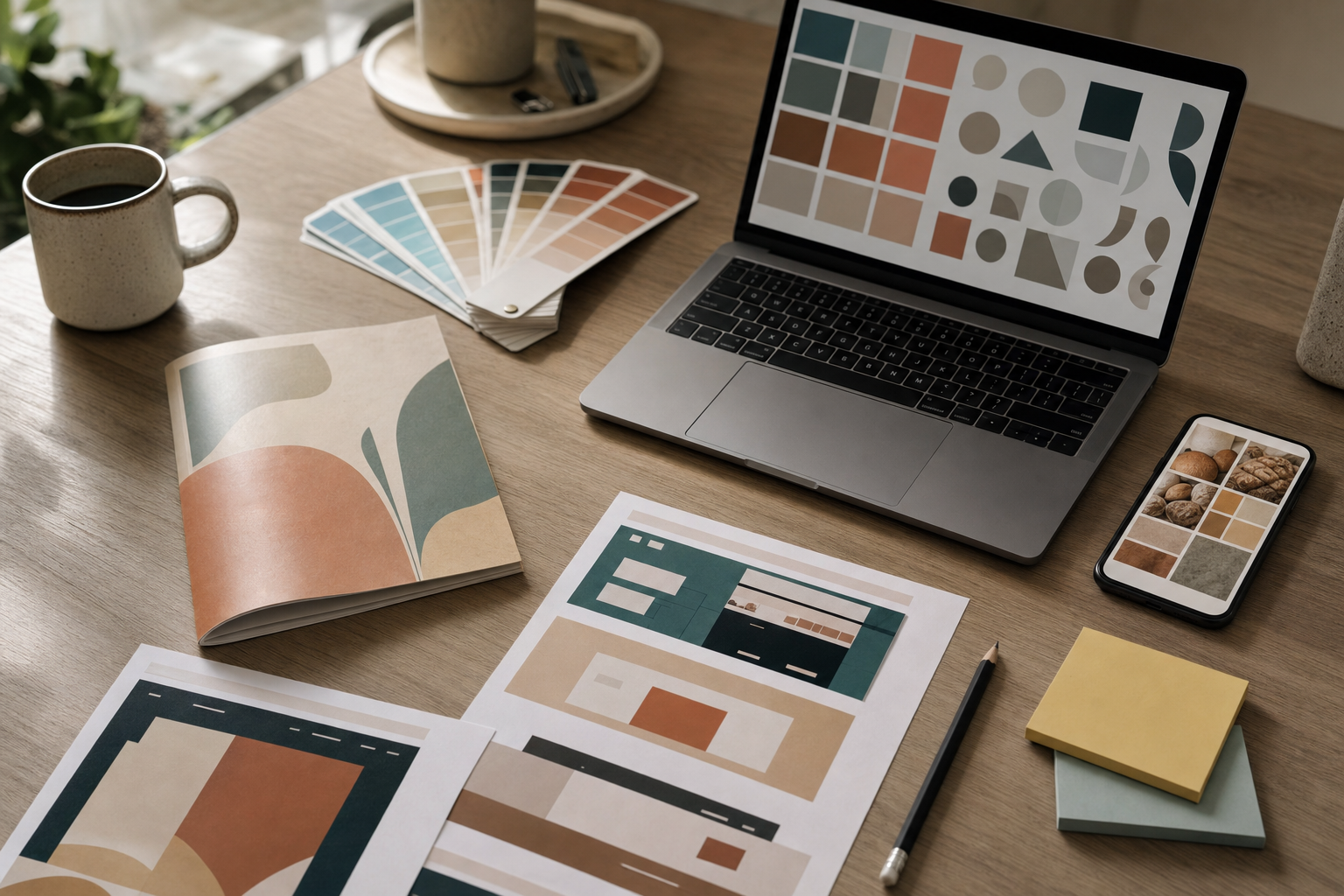
Every brand identity project starts the same way. The contract's signed, the deposit's in, and the client sends over a "brand folder" that turns out to be 3 versions of their logo (one of them a photo of the shop sign), a brochure from 2019, a screenshot of their Instagram grid and a link to a competitor they "kind of like but don't want to look like".
Then a senior designer loses a day and a half turning that pile into a brief.
They sample colours out of a JPEG with an eyedropper. They squint at a serif and guess the font. They screenshot 5 competitor sites, paste them into a Figma board and try to work out why everyone in the category uses the same navy. They read the client's website copy and notice it switches from chummy to formal halfway down the page. Then they write it all up, send it, and wait a week for the client to read it on their phone between customers.
All of that happens before anyone opens Illustrator. And it's exactly the work an AI design brief generator handles well.
Want the full build? The AI Brand Identity Brief Generator pro prompt gives you the complete Lovable master prompt, the 12-step build plan, the tool list, pricing to charge and a ready-to-send sales email.
The real cost of the kickoff
Branding work isn't cheap, and it shouldn't be. Clutch's pricing data puts most branding projects between $10,000 and $49,999, with agencies averaging $100 to $149 an hour. A standard brand identity package (strategy workshop, logo system, colours, type, messaging and guidelines) typically runs $5,000 to $20,000. Intermediate freelancers charge around $1,500 to $4,000 for a logo plus identity.
Most of those packages are fixed fee. So every hour spent chasing files and writing up an audit comes straight out of the margin.
How many hours? It varies wildly. One public city branding proposal budgeted 75 hours for discovery alone (meetings, a brand assessment, a competition study and focus groups). A small studio rebranding a bakery won't go anywhere near that, but my guess is 8 to 15 hours of senior time before the first sketch is pretty normal once you count the back-and-forth. At $125 an hour, 10 hours is $1,250 of unbilled work on every single project.
And the brief itself is often the weakest document in the whole engagement. It's written in a rush, it's mostly opinion, and the client skims it. Then 3 weeks later they reject the first concepts because "it doesn't feel like us", and there's no agreed starting point to point back to.
(That's where the money really leaks. A weak brief costs you a revision round you didn't price for.)
What a brand brief generator does differently
The tool in this blueprint is a web app the agency owns, built in Lovable, running on Supabase, with OpenAI doing the vision and writing work. The client gets a magic link. No password, no account.
On their phone or laptop they drop in 4 things: their current logo, the marketing they already use (brochures, menus, packaging, social posts, a photo of the van), up to 6 competitor websites, and up to 20 images of brands they love. Then they answer 10 short questions, one per screen on mobile. What do you do? Who's your best customer? What 3 words should people use about you, and which 3 should they never use? What do you want to keep?
When they hit submit, the app runs a 10-step pipeline. A few of those steps are worth unpacking, because they're where this goes past "paste stuff into ChatGPT".
The hex codes come from maths
Vision models are confident and wrong about colour. Ask one for the hex value of a logo and you'll get something close-ish that drifts every time you ask.
So the blueprint doesn't let the AI pick colours. It downsizes every image, throws away the white background pixels, and runs k-means clustering in Lab colour space (a way of grouping pixels by how similar they look to a human eye). Colours that are nearly identical across assets get merged. The result is one consolidated "current palette" with real hex values and the share each colour takes up across everything the client sent.
Only then does the vision model see the images, with that palette as context. Its job is to say which colour plays which role (primary, accent, background) and where it shows up. That split matters. The deterministic step gives you accuracy and the AI gives you interpretation.
Type, imagery and tone get evidence attached
For each asset the vision model returns structured notes: type category (geometric sans, slab serif, script and so on), weight and case habits, up to 3 likely font matches (always labelled "likely"), imagery style, layout problems, and every word of visible copy transcribed.
That transcribed copy feeds the tone of voice step, along with the client's homepage text and questionnaire answers. Tone gets scored on 4 dimensions (formal to casual, serious to playful, respectful to irreverent, matter of fact to enthusiastic), and every score comes with a quoted line as proof.
That's the part clients remember. Telling a bakery owner their brand voice is "inconsistent" lands like a vague insult. Showing them that their menu says "artisanal heritage loaves" while their Instagram says "carbs r us lol" lands like a fact.
The competitor map shows where the room is
Each competitor URL goes to ScreenshotOne, which returns an above-the-fold shot and a full-page shot. The app extracts their colours the same way it did for the client, then the vision model compares everyone side by side.
It returns 3 things designers spend hours working out by hand: category conventions (what nearly everyone in this market does visually), colour crowding (hues 2 or more competitors already use) and whitespace opportunities (visual territory no competitor owns). It also flags positioning gaps from the copy, like an audience no local competitor is talking to.
If a site blocks screenshots, the designer uploads one manually and re-runs that step. The rest carries on.
Then it writes the brief
Everything lands in a 12-section brand brief: project overview, brand audit with a consistency score out of 100, 2 audience profiles, brand personality and archetype, a positioning statement with 2 alternatives, competitive positioning, tone of voice direction with example headlines, visual directions, a do and don't list, moodboard direction, deliverables and scope, and a list of open questions for the kickoff call.
That last section is underrated. The app looks for contradictions (the client says "premium" but every inspiration image is discount retail) and lists every one of them. You walk into the kickoff knowing which 4 conversations you need to have.
Visual directions you can argue with
The brief includes 3 visual directions by default (the agency picks the number). Each gets a name, a concept, a 5 to 6 colour palette with hex codes and usage percentages, a free Google Fonts pairing that previews live, an imagery style, graphic devices, a reason it fits and an honest risk.
The directions are forced to differ. One evolves the current brand, one refreshes it, one reinvents it, and they steer away from crowded competitor colours unless a direction makes the case for owning one. Every palette also runs through a WCAG contrast check, so a gorgeous pale sage on cream gets a red warning before it reaches the client.
Optional mood images come from gpt-image-2, 4 per direction, with prompts built from the palette and imagery notes. They're labelled as mood references, they never include logos or real faces, and the app shows the cost and checks the monthly spend cap before generating anything. At roughly $0.04 per image at medium quality, a full set of 12 is about 50 cents.
The full spec for all of this (data model, screens, edge cases, emails) is in the brand brief generator master prompt. It's about 23,000 characters and runs in a single paste.
A worked example: Harbour & Hearth Bakery
Let's walk one through. (This is an illustrative example, the kind of demo client the blueprint seeds the app with.)
Harbour & Hearth is a 6-year-old bakery with 2 sites. The owner, Priya, wants a rebrand before opening a third. The studio sells her its core identity package and sends the intake link on a Monday morning.
Priya does it from her phone on Monday night. She uploads the logo (a PNG, 240 pixels wide, pulled from the website), photos of both shopfronts, the paper bag, a laminated menu, 9 Instagram posts and the website homepage. She adds 3 competitors: a national chain bakery, a trendy sourdough place across town and a local café. For inspiration she picks 8 images, mostly Scandinavian bakeries and one very loud doughnut brand. She answers the questions in 12 minutes.
Tuesday at 9am the designer clicks "Run analysis". Fifteen minutes later the analysis tab shows:
- A current palette of 5 colours. The logo navy appears in 70% of assets, but the bag uses a slightly different blue and the menu uses a third. Consistency score: 48 out of 100.
- Type: a transitional serif on the logo, a rounded sans on the menu, a script on the bag. Three families, no system.
- Tone: the website reads formal and nostalgic; Instagram reads jokey. Both quoted.
- Competitors: 2 of the 3 use navy and cream. Colour crowding warning on navy. Whitespace: warm terracotta and deep green, which no local competitor uses.
- Conflict: Priya says "premium" but her loud doughnut inspiration image pulls the other way. Flagged for the call.
- Logo is under 300 pixels. Added to open questions: "Do you have the original vector file?"
The brief proposes 3 directions. Direction A keeps a deepened navy as a heritage accent but moves the lead colour to terracotta. Direction B goes green and stone with a humanist sans. Direction C is the bold reinvention, with a playful display face that picks up the doughnut energy, and its risk line says plainly it could undercut the premium pricing.
The designer spends an hour editing. She tightens the positioning statement, swaps one font, rewrites 2 of the do's and don'ts in the studio's own voice, and locks those sections so a regeneration won't touch them. Then she shares the link.
Priya gets the brief on Tuesday afternoon. She approves 9 sections, requests a change on audience (they forgot the wholesale cafés she supplies) and votes Direction A "Preferred", B "Maybe" and C "No". She approves the revised version on Thursday by typing her name. The app records her name, email, time and IP, locks the version and emails a PDF to both sides.
That's a signed-off brief in 4 days, with real evidence in it, and about 90 minutes of designer time. When concept 1 comes back in 3 weeks and Priya wavers, the studio points at page 6.
What you need to build it
The tool stack is small and cheap. Lovable Pro is $25 a month. Supabase is free to start and $25 a month on Pro (100GB of storage, which matters when clients upload brochures). ScreenshotOne gives 100 screenshots a month free and 2,000 for $17. Resend sends 3,000 emails a month free. OpenAI is pay as you go.
The build plan inside the pro prompt runs 12 steps, from confirming your Lovable plan through setting up each service, running the prompt, testing with a past project and preparing a demo. My favourite tip in there: test it on a brand you already finished. You know the right answer, so you can judge the audit in 5 minutes.
The last step wraps the finished web app into a real iOS and Android app plus a PWA using AppBuild.DIY. Two native features earn their place here. Push notifications tell the designer the moment a client submits, and tell the client the second their brief is ready (approvals that sit in an inbox for a week get tapped that afternoon from a lock screen). And the Photos and Camera plugins let clients snap their van, signage or packaging straight into the intake.
Who buys this, and the money
There are 2 ways to use this blueprint.
The first is to build it for your own studio. If you run 4 identity projects a month and it saves even 8 senior hours on each, at $125 an hour that's $4,000 a month of time back. The running costs (OpenAI, Supabase, ScreenshotOne, Resend) should sit well under $80 a month at that volume.
The second is to sell it. The target is independent branding agencies and design studios with 2 to 15 people, plus busy freelancers doing 2 or more identity jobs a month. They're easy to find on Clutch, Dribbble and Behance, and most of them describe a "discovery" phase on their own process page, which tells you exactly where the pain sits.
The suggested pricing in the pro prompt:
- Setup: $2,500 to $4,500, covering the build, connecting the agency's accounts, loading their packages and past briefs, a 3-project supervised pilot and training.
- Monthly retainer: $297 to $497 for oversight, prompt tuning, package updates and a monthly report. The agency pays its own tool bills.
- Performance bonus (optional): $100 for each AI-assisted brief that turns into a signed project worth $5,000 or more, capped at $1,000 a month.
- Multi-studio version: $6,000 to $9,000 setup plus $797 a month for agency networks or design collectives.
Sign 4 studios at $3,500 setup and $397 a month and that's $14,000 upfront plus about $1,600 a month recurring. For the agency, $397 a month is roughly 3 hours of their own billable time. If the tool saves them more than that on a single project, the maths is done.
The pro prompt page also includes a short cold email you can send as-is. It opens with a compliment on a real case study, asks one question about how long their audit takes, and ends by suggesting a 3-minute video of the tool running a bakery rebrand. That video is your whole pitch. Record it once.
What to watch for
Be honest with buyers about 3 things.
First, designers still review everything. The app is built so nothing reaches a client until a designer has read it, and you should keep it that way. Budget 45 to 90 minutes of editing per brief. That's still a fraction of writing one from scratch.
Second, font matches are guesses. The tool says "likely" for a reason, and a designer who knows type will correct it in seconds.
Third, privacy and image rights. Clients upload staff photos and other people's brands as inspiration. The build plan covers a privacy notice naming OpenAI and Supabase as processors, a 12-month deletion rule, and a line in the agency's terms that inspiration and AI mood images are references only. UK and EU agencies should log it in their GDPR records.
Plan on 2 to 3 weeks from a signed deal to a live tool, then 3 real kickoffs run alongside the old process before the studio switches over.
Why build it now
People are searching for exactly this. "AI design brief generator" and "brand brief generator" are real searches, and most tools that turn up are a form that spits out a paragraph. A tool that reads the client's own materials, measures their real colours and maps their real competitors gives a studio something it can put its name on.
And branding studios are a good market to sell to. They care how things look, so a polished demo does half the work. They sell fixed-fee packages, so time saved is margin earned. And their whole business depends on clients agreeing to a direction early, which is the one thing a strong, evidence-backed brief does better than anything else.
This is part of the new Agency Systems collection on Prompt-King, alongside blueprints for SEO content briefs, UX design briefs, client intake, paid ads creative briefs, website redesign planning and turning a brief into a proposal. They chain together well if you're building a full kit for one agency.
Ready to build it? Grab the AI Brand Identity Brief Generator from Client Assets on Prompt-King: the full master prompt, 7 custom fields, the step-by-step build and sell playbook, tool costs, pricing and the sales email. Paste it into Lovable today and have a demo running this week.