Event poster prompts: free AI template and examples
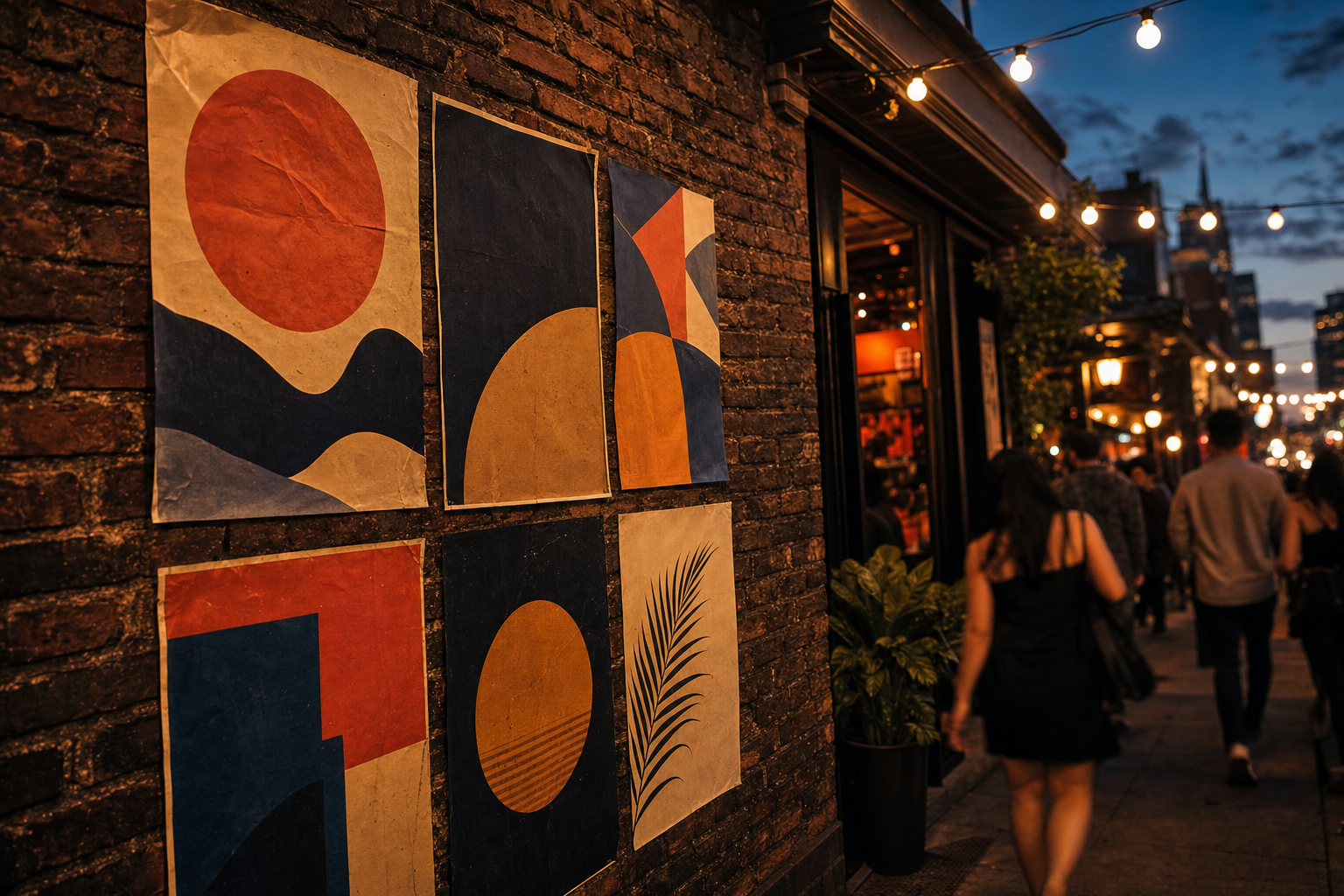
Most event posters get about three seconds. Someone walks past a shop window or scrolls past a post, and in that time they need to know what is on, when, where and why they should care. AI image tools can give you striking poster art in minutes. They also misspell venue names, invent dates and fill every corner with detail, which is how good events end up with posters nobody can read.
This guide gives you a free event poster spec template, four copy-paste prompts for the copy, the artwork, the social sizes and a final check, six ready-made image prompts by event type, and a worked example. Follow it and you can go from event details to a print-ready poster and matching social posts in an afternoon.
What a good event poster prompt does
The prompts that work split the job in two:
- The words come from you. Event name, date, venue and price are typed by a person and checked letter by letter. AI helps you write a short hook and set the read order.
- The artwork comes from the image model, with no words in it. The prompt asks for one clear subject, your brand colours and plain areas where the text will sit.
- You put them together in a design tool. Canva, Figma, Affinity or even PowerPoint. That way the date is always right and you can change it for the next event in seconds.
Newer image models can render a short headline, and it is fine to try. Check every letter and number before anything is printed, and keep a text-free version of the art so you can reuse it.
Free event poster spec template
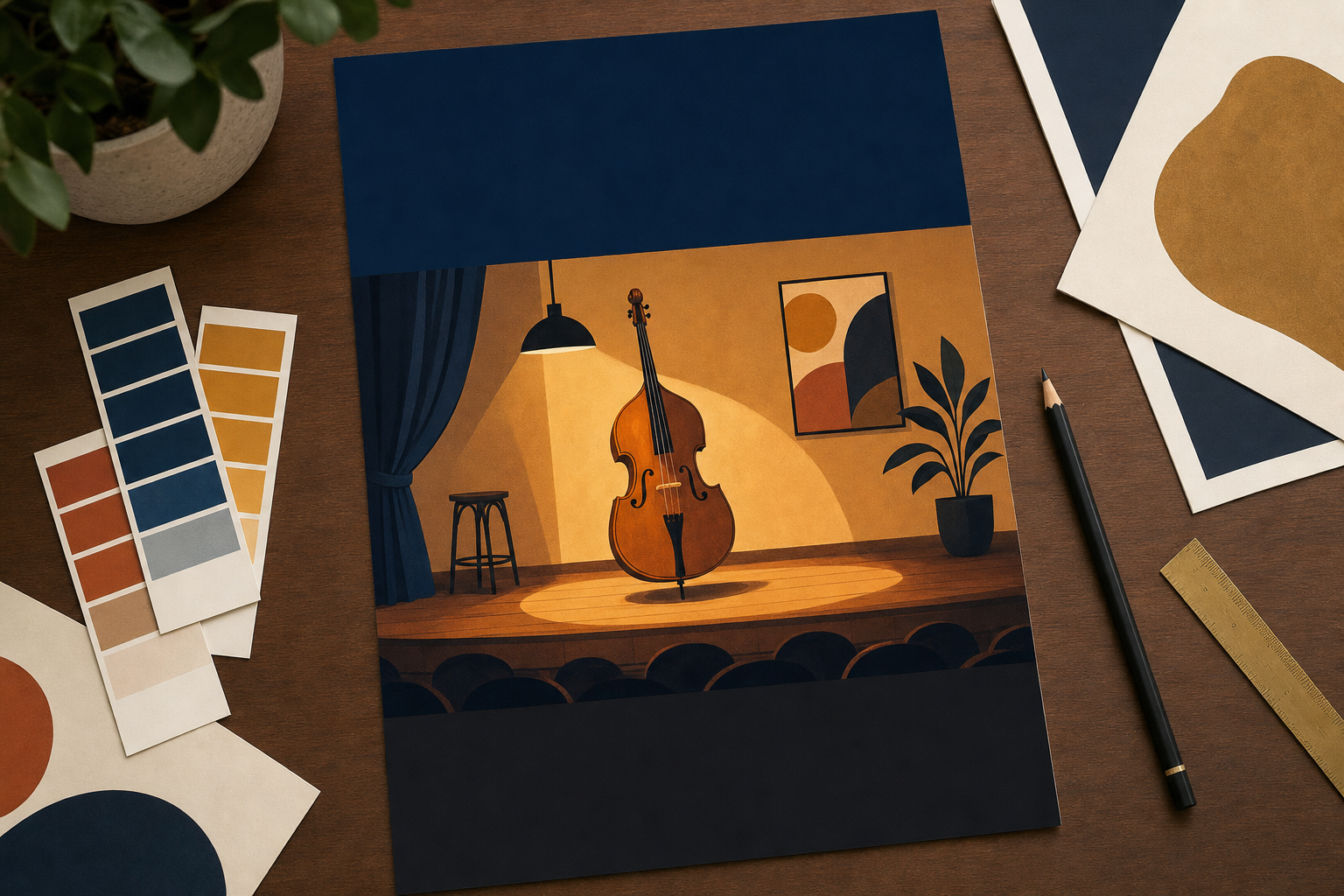
Fill this in before you open an image tool. It takes ten minutes and saves you rewriting prompts later. The read order at the bottom is the order a passer-by should take in the poster.
EVENT POSTER SPEC

Event name: [exactly as it should appear]
What it is, in 6 words or fewer: [e.g. "Live jazz, small plates, free entry"]
Day, date and time: [e.g. Thursday 10 December, 7.30pm to 10pm]
Venue and town: [name, street, town]
Price or "Free": [and any concession]
How to book or find out more: [short URL or QR code target]
Who it is for: [e.g. couples in their 30s to 50s who like a quiet night out]
The one reason to come: [the hook a passer-by should remember]
Mood: [three words, e.g. warm, late-night, relaxed]
Brand: [colours as hex codes, fonts, logo file, sponsor logos]
Where it will be seen: [A3 in shop windows / A4 on noticeboards / Instagram feed / story / screen]
Must not look like: [e.g. a corporate conference, a kids' party]

READ ORDER (top to bottom)
1. Event name
2. Day, date and place
3. One-line hook
4. Price and booking (with QR code)
5. Small print: logos, accessibility, age limits
Want it in one go? The event poster design brief and image prompt turns the same details into a full brief: hierarchy, layout grid, palette with hex codes, poster copy and an image prompt with a social variant. Use it when you need a brief to hand to a designer, and the four prompts below when you are making the poster yourself.
4 AI prompts for event posters
Prompts 1 and 3 work in ChatGPT, Claude or Gemini. Prompt 2 writes prompts for whichever image tool you use. Prompt 4 needs a model that can read images.
Prompt 1: Write the poster copy and read order
You are a poster designer who writes copy people can read from across a street. Using my event spec below, write the poster copy.

Spec: [paste the filled-in template]

Rules:
1. Event name: as given. Do not change spelling or capitalisation.
2. Write 3 options for the one-line hook, each under 8 words, concrete and specific to this event. No puns unless the mood is playful.
3. Date line: day, date and time on one line, in the format "Thu 10 Dec, 7.30pm". Check the day of the week matches the date for [year] and tell me if it does not.
4. Booking line: under 6 words plus the short URL.
5. List everything that should go in the small print.
6. Return the copy in read order, then a word count. The whole poster should be under 35 words, small print excluded.
Prompt 2: Write the background art prompts
Asking for three different styles gives you real options to compare. Generate a few images from each and pick the one that leaves the cleanest space for your text.
Write 3 image prompts for the background artwork of an event poster. The text will be added afterwards in a design tool, so the image must contain no words.

Event: [name and what it is]
Mood: [three words]
Brand colours: [hex codes]
Format: [portrait 2:3 for A3 print / 4:5 for Instagram feed / 9:16 for stories]
Text area: [e.g. top 40% for the event name, bottom 20% for date and booking]
Image tool: [ChatGPT images / Gemini / Midjourney / Firefly / Ideogram]

For each prompt:
- Describe one strong subject, the setting, the light and the style in one paragraph.
- Keep the text areas plain and low-detail (sky, wall, dark gradient, solid colour).
- Use my brand colours as the main palette.
- End with: "No text, letters, numbers, logos or watermarks." For Midjourney, add the aspect ratio flag.
Make the 3 prompts clearly different: one photographic, one illustrated, one graphic or abstract.
Prompt 3: Resize for print and social
I have a finished event poster at [size, e.g. A3 portrait]. I need versions for: [Instagram feed 4:5, Instagram story 9:16, Facebook event cover 1920x1005, A4 noticeboard, venue screen 16:9].

For each size, tell me:
1. What moves, what shrinks and what gets cut, keeping the read order: name, date and place, hook, booking.
2. The minimum text size for the date line so it is readable on a phone or from 3 metres in print.
3. Where the QR code or link sits, or whether to drop it (stories use a link sticker instead).
4. Any part of the background art that needs extending, and a short image prompt to extend it with no text.
Prompt 4: Check the poster before it goes out
This is the step that catches the misspelt URL or the wrong day of the week, which are the mistakes that cost you attendees.
Here is my draft event poster (image attached) and the event spec (below). Check it before I print or post it.

Spec: [paste]

Check:
1. Read the poster at a glance: what are the first three things you notice? Are they the event name, the date and place, and the hook?
2. Compare every detail on the poster with the spec, letter by letter: name, day, date, time, venue, price, URL. List any mismatch.
3. Is any text sitting on a busy part of the image? Suggest a fix (move it, add a dark band, blur the area).
4. Contrast: flag any text that will be hard to read for someone with low vision.
5. Is anything missing that a stranger would need to turn up: town, start time, price, age limit, accessibility?
Return a numbered fix list, most important first.
6 event poster image prompts you can use today
Each one leaves a plain area for your headline and asks for no text. Swap the colours for your own brand colours and change the aspect ratio for the format you need.
Live music or jazz night
Moody photograph of a double bass and a vintage microphone on a small stage in a candlelit bar, warm amber spotlight from the left, deep navy shadows, smoke haze, the top third fading into plain dark background, shallow depth of field, cinematic, portrait 2:3. No text, letters, numbers, logos or watermarks.Charity fun run or 5k
Bright morning photograph of runners in colourful kit crossing a park path at sunrise, seen from low and behind, long shadows, dew on the grass, a wide clear sky filling the top 40 percent, fresh greens and soft orange light, portrait 2:3. No text, letters, numbers, logos or watermarks.Farmers or Christmas market
Illustrated scene of a small town square with wooden market stalls, string lights, crates of apples and pine branches, flat paper-cut style, deep green, cranberry red and cream palette, a plain cream band across the top for a headline, portrait 2:3. No text, letters, numbers, logos or watermarks.Workshop, talk or meetup
Clean editorial illustration of a small group around a table with laptops and sticky notes, seen from above, soft teal and coral on an off-white background, generous empty space in the top half, modern flat style, 4:5. No text, letters, numbers, logos or watermarks.School fair or family day
Cheerful illustration of a summer school field with bunting, a coconut shy, a bouncy castle and families picnicking, hand-drawn style, sunny yellow, sky blue and grass green, a wide plain sky at the top, portrait 2:3. No text, letters, numbers, logos or watermarks.Comedy or quiz night
Bold graphic poster artwork: a single spotlight beam on a red velvet curtain with a bar stool and a microphone stand, high contrast, flat shapes, deep red, black and warm yellow, large plain dark area in the top half, retro screen-print texture, portrait 2:3. No text, letters, numbers, logos or watermarks.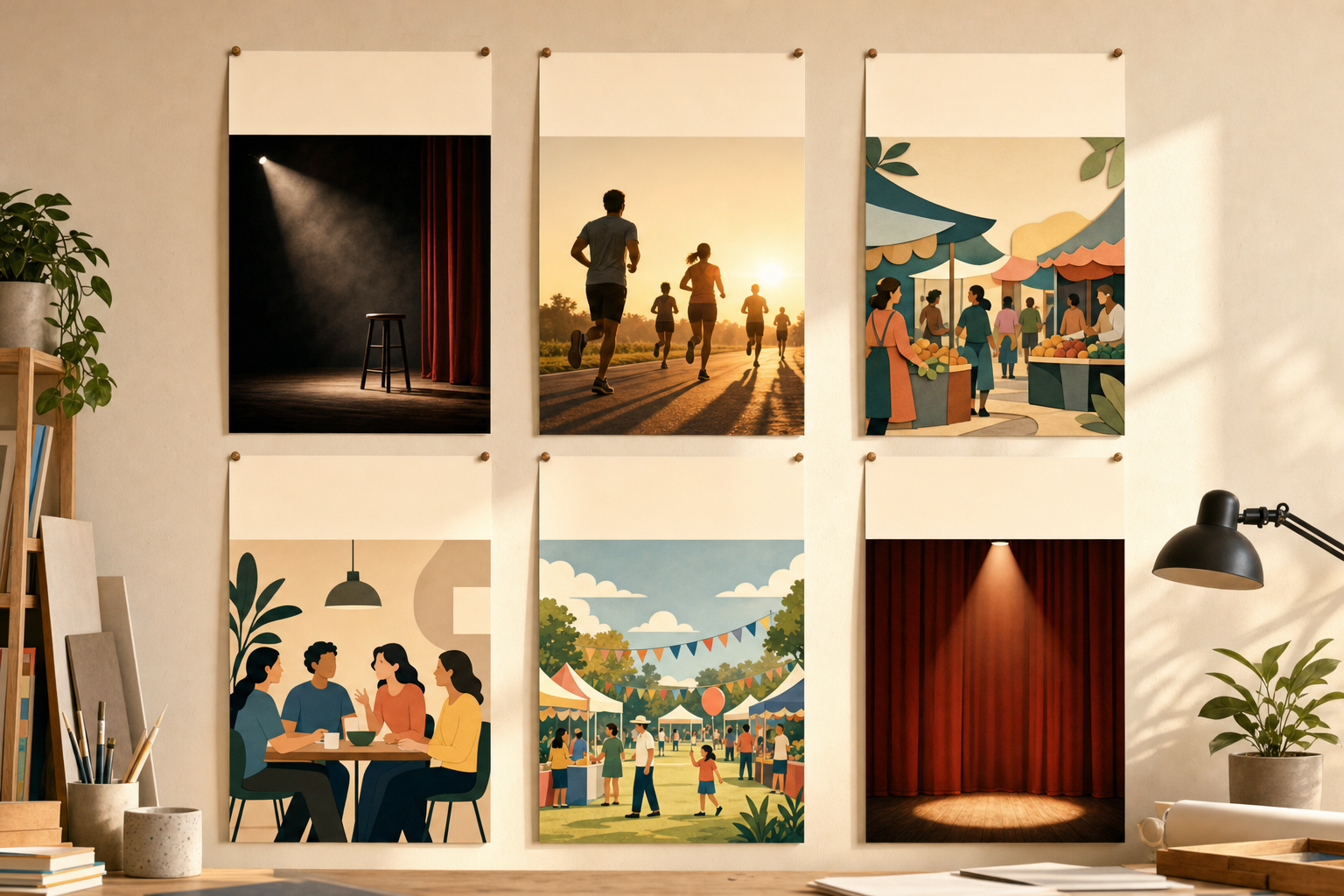
Worked example: a jazz night poster
Here is the whole process for a small bar running a free jazz night. Prompt 4 caught a misspelt URL that would have sent every QR scan to a dead page.
Worked example: a jazz night at a local bar

Spec (short version)
Event name: Harbourside Jazz Club
What it is: Live jazz trio, small plates, free entry
Date: Thursday 10 December 2026, 7.30pm to 10pm
Venue: The Anchor, Quay Street, Whitby
Book: anchorwhitby.co.uk/jazz (table bookings, walk-ins welcome)
Mood: warm, late-night, relaxed
Brand: navy #1B2A41, amber #E8A33D, cream #F4EDE1
Formats: A3 for the window, 4:5 for Instagram

Prompt 1 output (copy)
Hook options: "A trio, a fire and the harbour lights" / "Thursday nights, done properly" / "Live jazz by the harbour, free entry"
Date line: Thu 10 Dec, 7.30pm
Flag: 10 December 2026 is a Thursday, so the date and day match.
Booking line: Book a table: anchorwhitby.co.uk/jazz
Word count: 21

Prompt 2 output (prompt 1 of 3, photographic)
"Double bass and a vintage microphone on a small stage in a candlelit bar, harbour lights blurred through the window behind, warm amber spotlight, deep navy shadows, the top 40% fading into plain navy, cinematic, portrait 2:3. No text, letters, numbers, logos or watermarks."

Prompt 4 check on the first draft
1. The URL on the poster read "anchorwitby.co.uk". Fix the spelling.
2. The date line sits over the bright candle area. Move it down onto the dark band.
3. "Free entry" was missing from the A3 version. Add it under the hook.
The final A3 poster had 24 words on it. The event name sat in the plain navy area at the top, the date and booking line sat on a dark band at the bottom, and the same art became the Instagram post with a 4:5 crop.
Event poster workflow, from details to door
- Three weeks out: Fill in the spec. If you are still choosing a venue, run the venue comparison prompt first so the poster carries the right address.
- Same day: Run Prompt 1 for the copy and Prompt 2 for the art. Generate 4 to 8 images, pick one, then add the text in Canva, Figma, Affinity or PowerPoint.
- Before printing: Run Prompt 4 on the draft and fix everything it flags. Print one copy and read it from across the room.
- Two weeks out: Run Prompt 3 for the social sizes and post the first version. Schedule reminders with the event reminder prompt.
- Event week: Plan the day with the run-of-show timeline prompt and keep a calm contingency plan ready.
- Afterwards: Send the post-event follow-up sequence while people still remember the night, and reuse the art for the next date.
More prompts for posters and event marketing
- Motivational poster series: a set of posters that look like one family, for schools, gyms and workplace programmes.
- Book cover design brief and image prompt: the same art-plus-text method for covers.
- Visual design brief a designer can work from: when you would rather hand the poster to a designer.
- Instagram post ideas with captions: content to post around the poster in the weeks before.
- LinkedIn carousel post: turn a talk or workshop poster into a five-slide promo.
- Taproom event plan for a quiet night: plan the event itself before you promote it.
- Featured image prompt: matching header art for the event page or blog post.
Which page do you need?
If you want to make the poster yourself today, use the spec, the four prompts and the image prompt pack above. If you want one prompt that writes a complete design brief and image prompt, use the event poster design brief and image prompt. If you are planning the whole event, the run of show that keeps your event on time covers the day itself. For more design prompts, see AI prompts for brand and design teams, and for workshops and classes, AI prompts for tutors, teachers, coaches and workshop facilitators.
Event poster mistakes to avoid
- Letting the image model write your date. Add every fact in a design tool and check it against the spec.
- Too many words. Aim for under 35 words before the small print. Put the rest on the booking page.
- Text over a busy background. Ask for plain areas in the prompt, or add a solid band behind the text.
- Forgetting the town. Posters get shared far from the venue. "The Anchor" means nothing without "Whitby".
- One size for everything. A3 print, a 4:5 feed post and a 9:16 story each need their own layout.
Make your next event poster this afternoon
Fill in the spec, run Prompt 1 for the words and Prompt 2 for the art, put them together in the design tool you already use, and run Prompt 4 before anything is printed. For a full designer brief in one step, use the event poster design brief and image prompt.
For more prompts like these, with the method behind them, get the free Prompt King Handbook. It shows you how to get better results from ChatGPT, Claude and Gemini for posters, social posts, client emails and the rest of your business.