
Free scope of work generator: template, prompts, example

A clear scope of work gets you paid for every hour you work. It tells the client exactly what they get, what they don't, and what happens when they ask for more, so "can you just add one more page?" turns into a quote instead of a free weekend.
You can build one in about 20 minutes with a free scope of work generator made of AI prompts that work in ChatGPT, Claude or Gemini. This guide gives you the 13 sections a scope needs, a copy-paste template, the prompt that fills it from your call notes, a check for weak spots, a full worked example and a workflow from first call to change order. If you'd rather start now, open the statement of work prompt and paste in your notes.
The 13 sections every scope of work needs
Most scope disputes come from three gaps: deliverables you can't count, a missing "not included" list and no agreed way to handle new requests. Here is what to cover and the problem each section prevents.
| Section | What goes in it | What it prevents |
|---|---|---|
| Parties and project name | Who the work is for and what it's called | Confusion when you run several jobs for one client |
| Goal | The result the client wants, in one sentence | Work that matches the list and misses the point |
| Deliverables | Quantity, format and what "done" looks like for each | "I thought that included..." |
| Included | The tasks and support that come with the deliverables | Arguments about calls, meetings and setup time |
| Not included | Everything a client could reasonably assume is in | Most unpaid extra work |
| Client responsibilities | Content, access and feedback, each with a date | Projects stalled waiting on the client, with you blamed for the delay |
| Revisions | Rounds per deliverable and what counts as one round | Endless tweaks |
| Timeline and milestones | Dates, and who each one depends on | Deadlines that slip with no one accountable |
| Acceptance | How work is approved, and the feedback deadline | Jobs that never officially finish |
| Fees and payment schedule | Amounts, due dates and late payment terms | Chasing invoices with nothing agreed to point to |
| Change requests | How new work is quoted, approved and scheduled | Scope creep, and awkward conversations about it |
| Assumptions | What the price depends on | Absorbing costs when a key fact turns out wrong |
| Sign-off | Names, dates and signatures | "We never agreed to that" |

Free scope of work template
Copy this into a doc and keep it as your master. Fill it in by hand, or paste it into the generator prompt below and let the AI do the first draft.
SCOPE OF WORK

1. Parties and project name:
2. Goal: the result the client wants, in one sentence
3. Deliverables (countable):
   - Deliverable, quantity, format, what "done" looks like
4. Included: tasks and support that come with the deliverables
5. Not included: everything a client could reasonably assume is in, listed
6. Client responsibilities: content, access, feedback, approvals, with dates
7. Revisions: rounds per deliverable, and what counts as one round
8. Timeline and milestones: date, milestone, who it depends on
9. Acceptance: how each deliverable is approved, and the deadline for feedback
10. Fees and payment schedule: amounts, due dates, late payment terms
11. Change requests: how new work is quoted, approved and scheduled
12. Assumptions: anything the price depends on
13. Sign-off: names, dates, signatures
Want it filled in for you? Paste your call notes into the free statement of work prompt. It pulls out countable deliverables, a timeline, inclusions and exclusions, payment terms and a change process, and it flags anything your notes don't cover so you can ask the client before you send it.
The scope of work generator prompt
This version fills the template above with your own way of working, which keeps every scope you send consistent. The "things clients often assume" line does the heavy lifting: it's how the AI builds a useful "not included" list.
You are an experienced freelance project manager. Turn my notes into a scope of work my client can sign this week, using the template below.

My service: [e.g. website design, copywriting, bookkeeping, video editing]
Client and what they do: [client]
Call notes or the client's email, word for word: [paste]
My price and payment terms: [fee, deposit, schedule]
How I usually work: [revision rounds, turnaround, tools, hours of support]
Things clients often assume I do: [e.g. copywriting, stock photos, hosting, extra pages]

Rules:
- Make every deliverable countable: a number, a format and a clear "done".
- Fill "Not included" with at least 6 items, starting with the things clients most often assume.
- Turn every vague phrase in my notes into a specific limit, and list the phrase you replaced.
- Where my notes don't say, write [CONFIRM WITH CLIENT] instead of guessing, then list those questions at the end as a short email I can send.
- Plain English, one page if possible, two at most.

Template:
[paste the scope of work template]
Always give it the client's own words where you can. A pasted email or call transcript gives the AI the exact phrases to tighten, and you'll catch requests you missed on the call.
Check the scope before you send it
Run a second pass with a fresh chat, so the AI reads the scope like a client would. This is where you find the gaps that cost you money later.
You are the client's most demanding project manager. Read this scope of work and find every place where I could end up doing unpaid work.

Scope of work: [paste]

1. Quote each phrase that two people could read differently, and give a specific replacement.
2. List deliverables a client would expect from this project that are neither included nor excluded.
3. Check that every milestone that depends on the client has a date, and say what happens if they miss it.
4. Check revisions, acceptance and change requests. Flag any that are missing or unlimited.
5. Write the three questions the client is most likely to ask before signing, with a short answer to each.
Finish with the 5 edits that matter most, in order.
For a shorter check focused on wording, use the vague language checker prompt. It works on scopes clients send you too, before you sign theirs.
Turn vague wording into limits
These six phrases cause more unpaid work than anything else in freelance scopes. Swap them for something you can count.
| Vague wording | Write this instead |
|---|---|
| Unlimited revisions | 2 rounds per deliverable. A round is one combined list of changes from one person |
| Ongoing support | 14 days of bug fixes after launch, by email, replies within 1 working day |
| A few blog posts | 4 blog posts of 800-1,000 words, one keyword each, delivered as Google Docs |
| Social media graphics as needed | 8 static graphics per month in 2 sizes, briefed by the 1st of the month |
| Quick turnaround | First draft within 5 working days of receiving all content |
| Integrate with their systems | Connect the contact form to Mailchimp. Other integrations are quoted separately |
A worked example scope of work
Here is a scope produced with the prompts above for a freelance web designer and an imaginary physio clinic. The numbers are illustrative. Notice that every deliverable can be counted, the "not included" list starts with copywriting (the thing clients most often assume), and the open questions are left for the client to answer.
SCOPE OF WORK: Harbour Physio website refresh

Goal: a 6-page site that gets more patients booking online, live by 12 December.

Deliverables
- 1 homepage design and 5 inner pages (About, Treatments, Prices, Team, Contact), built in the client's existing Squarespace plan
- Online booking button on every page, linked to the client's current booking system
- Mobile and desktop versions of every page, tested on iPhone and Android
- Basic SEO setup: page titles, meta descriptions and image alt text for all 6 pages
- One 30-minute recorded handover call

Not included
- Writing page copy (client supplies final copy by 14 November)
- Photography or stock image licences
- Blog, shop, members area or any page beyond the 6 listed
- Changes to the booking system itself
- Logo or brand redesign
- Ongoing updates after launch (available as a monthly plan)

Client responsibilities
- Final copy and photos by 14 November
- Squarespace and booking system logins by 7 November
- Feedback within 3 working days of each milestone

Revisions: 2 rounds on the homepage design and 1 round on inner pages. A round is one consolidated list of changes from one person.

Timeline
- 7 Nov: kickoff, logins received
- 18 Nov: homepage design for review
- 28 Nov: all pages built for review
- 9 Dec: final fixes done
- 12 Dec: launch

Acceptance: each milestone is approved by email. No reply within 3 working days counts as approval.

Fees: £2,400. 50% to start, 50% on launch. Invoices due in 14 days.

Change requests: anything outside this scope gets a written quote within 2 working days. Work starts once it is approved by email, and the launch date moves if needed.

Assumptions: copy arrives on time, and the Squarespace plan supports booking links.

[CONFIRM WITH CLIENT]
- Does "update the prices page" mean new layout only, or new prices too?
- Who signs off: the practice manager or both partners?
The client can read this in two minutes and knows exactly what £2,400 buys. If they ask for a blog in week three, you point to "Not included" and send a quote.
A freelance scope workflow, from first call to change order
A good scope starts before the call and keeps working after the client signs. This is the workflow we'd use for any fixed-price project.
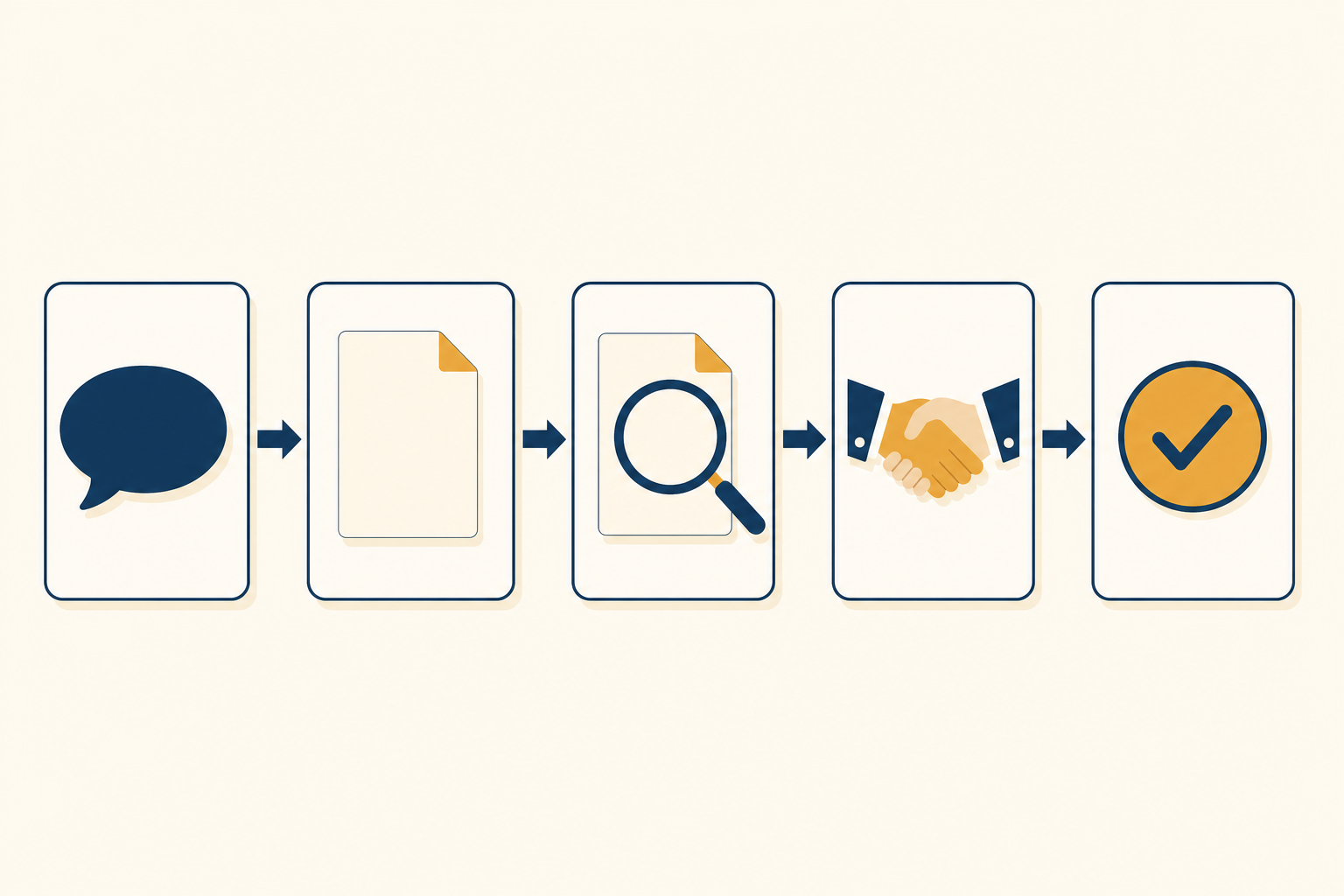
- Ask the right questions up front. Send the client intake questions prompt before the call, so the call is spent on decisions. If the request is vague, turn it into a one-page brief first.
- Draft the scope the same day. Run the generator prompt on your notes while the call is fresh. Send the [CONFIRM WITH CLIENT] questions straight away.
- Check it. Run the check prompt and fix the top five edits.
- Agree and sign. Walk the client through "Not included" and the change process on a short call. Clients rarely push back on limits they hear explained before work starts.
- Handle new requests in writing. When something new comes in, reply warmly with the out-of-scope reply prompt, then send a change order request for approval. Trades and contractors can use the formal change order prompt instead.
- Get paid on time. If the final invoice slips, the invoice reminder sequence prompt points back to the payment terms you both signed.
- Renew from results. At the end of the project, use the retainer renewal prompt to turn a finished scope into ongoing work.
Running a cleaning business or another service sold by the visit? The cleaning scope of work prompt builds the task-by-area-by-frequency table those contracts need.
Scope of work or full proposal?
A scope of work says what you'll deliver. A proposal also sells the project and sets the price. Freelancers usually need the scope and a short cover email. Agencies quoting bigger projects often want both, with pricing based on what past projects took.
If that's you, read AI proposal generator for agencies. It walks through a brief-to-proposal tool that prices three packages from your own project history and writes the scope for each. The full build plan is free in the AI Brief-to-Proposal Generator pro prompt.
Mistakes that make scopes fail
- Copying last project's scope. Every client assumes different things. Rebuild the "not included" list each time.
- Deliverables without numbers. "A website" invites a debate. "6 pages" ends one.
- No dates for the client's part. When content arrives late, your timeline should move with it, in writing.
- Unlimited anything. Revisions, calls and support all need a limit.
- Skipping the change process. Without one, every new request becomes a negotiation.
Write your next scope today
Take the notes from your last client call, paste them into the statement of work prompt with the template above, then run the check. You'll have a scope ready to sign in under 20 minutes, and a clear answer ready for the next "can you just...".
For more prompts like these, with the method behind them, get the free Prompt King Handbook. It shows you how to get better results from ChatGPT, Claude and Gemini for client work, writing and the rest of your business.