
UX design brief generator: turn every discovery call into a signed client brief with AI
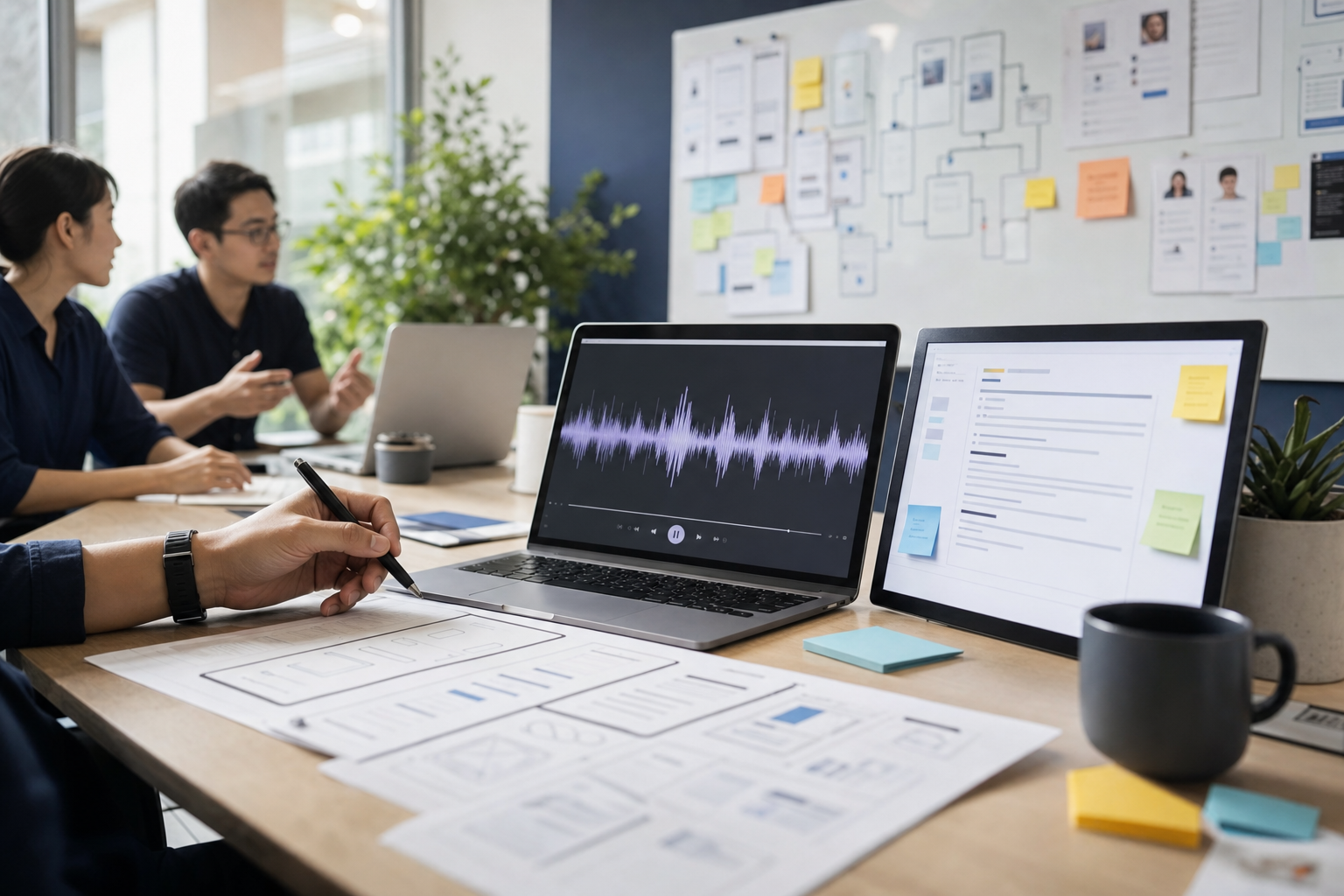
The discovery call went well. The client talked for 55 minutes, you took two pages of notes, and someone on your team said "I'll write the brief up tomorrow."
Then tomorrow turns into Thursday. The notes don't quite match the recording. Half the goals have no numbers attached. And three weeks into the project, the client asks why the onboarding flow you never discussed isn't in the designs.
A UX design brief generator fixes the boring, expensive part of that story. You feed it the call and everything the client sent you, and it hands back a structured brief your client can comment on and sign.
Want the full build? Get the AI UX Design Brief Generator pro prompt on Prompt-King. It includes the complete Lovable master prompt, a step-by-step build guide, the exact tools and costs, pricing to charge agencies, and a sales script you can send today.
Why briefs are where UX projects go wrong
Most design agencies are good at discovery calls. Reading the room and spotting the real problem behind the stated one: that's the craft.
Writing it all down is a different job. It happens late, from partial notes, by whoever has a free afternoon. So the brief ends up as a tidy summary of what the designer remembers, with the awkward bits sanded off.
The awkward bits are the expensive ones. The deadline two stakeholders disagreed on. The feature the client mentioned and then said "maybe phase 2." The KPI that never got a number.
Scope creep is the bill for all of that. PMI's Pulse of the Profession research puts it at 52% of projects, with budget overruns averaging around 27% once it takes hold. On a fixed-fee UX engagement, that overrun comes straight out of your margin.
And the money at stake is real. Agencies typically charge $2,500 to $15,000 for a standalone discovery phase, and the average UX agency project lands somewhere around $25,000 to $60,000. A brief that leaves room for argument puts a lot of that at risk.
What an AI design brief generator does
The blueprint on Prompt-King builds a web app called Brief Room. A designer at the agency runs it after every discovery call.
They upload 4 kinds of input:
- The call recording (or a pasted Zoom, Teams or Meet transcript)
- The client's current product or website URL
- Screenshots of the existing product, plus any analytics export the client shared (GA4, Mixpanel, Amplitude, Hotjar)
- Stakeholder notes typed straight into the app
The app transcribes the call with speaker labels using OpenAI's diarizing transcription model, reads the website's headings, navigation and buttons, summarises the analytics, and looks at the screenshots. Then it writes the brief.
The brief has 13 sections by default: an at-a-glance summary, problem statement, business goals, user personas, jobs-to-be-done, key user flows, success metrics and KPIs, constraints, scope with an explicit out-of-scope list, risks and assumptions, a research plan, open questions for the client, and next steps.
The owner can rename, reorder or add sections in settings, so the output matches the brief template the agency already uses.
Every line points back to the call
This is the part I'd build the whole tool around.
Each item the AI writes carries an evidence chip: "Call 14:32", "Screenshot 3", "Analytics: checkout funnel". Hover and you see the quote. Click and the recording plays from that exact second.
If the AI can't find evidence for something, it has to mark it as an assumption, shown in amber. And every required section that comes back empty or full of assumptions automatically creates a blocker question for the client.
That changes how a brief gets reviewed. A senior designer can scan 13 sections, see exactly which claims came from the client's mouth and which came from the model, and fix the amber ones in minutes.
It also catches contradictions. If the CEO said "we need this live for Q1" and the product lead said "realistically Q3," both quotes appear in a banner at the top of the draft. The designer resolves it or turns it into a question. Either way it's on paper before anyone opens Figma.
A worked example: a patient booking app redesign
Say a UX studio called Northfield takes a discovery call with a regional healthcare group. On the call: Priya, the head of product, and Dan, an operations manager. On Northfield's side, 2 designers.
The call runs 52 minutes. Priya talks about online bookings dropping off at the insurance details step. Dan mentions the reception team takes 300 calls a week from patients who gave up on the app. Priya wants the redesign live "before winter." Dan says the IT team can't ship anything until their new booking system migrates in March. Somebody mentions a symptom checker, and Priya says "let's park that."
The designer uploads the recording, the client's patient portal URL, 6 screenshots of the current booking flow and a GA4 funnel export.
Transcription for 52 minutes costs about 31 cents at roughly $0.006 a minute. A few minutes later the draft is ready.
The problem statement reads something like: "Patients booking online struggle to complete the insurance step because it asks for details they rarely have to hand, which pushes them to phone reception (around 300 calls a week)." The 300-calls figure has a chip pointing to Dan at 23:10.
The KPI table pulls the current funnel drop-off from the GA4 export as a baseline. The target column says "unknown," flagged amber, with an open question: "What completion rate for online booking would count as success in the first 3 months?"
The symptom checker sits in out-of-scope, quoting Priya's "let's park that." The winter versus March conflict shows in the banner with both quotes.
The designer spends 40 minutes tightening the personas and the research plan, regenerates the user flows section with the instruction "split booking and rescheduling into separate flows," and hits share.
Priya gets a branded link. She comments on two sections, answers 5 of the 7 open questions on her phone, and approves with her typed name. The approval is locked to that version. If Northfield edits anything later, a new version appears and Priya sees "a newer version needs your approval."
Six weeks later, someone at the client asks where the symptom checker is. Northfield opens the signed brief.
What's inside the build
The full design brief generator blueprint is a single Lovable master prompt, a little over 21,000 characters, that specifies the whole app in one paste. It covers:
- The full data model: clients, projects, discovery sessions, transcript segments, assets, briefs, immutable versions, evidence links, open questions, comments and approvals
- A 4-step session wizard that accepts audio, video, in-browser recording, pasted transcripts and .vtt or .srt files
- Browser-side audio extraction and chunking, so an hour of video becomes a roughly 14 MB audio file before it ever leaves the laptop
- The brief editor with evidence chips, per-section regeneration and a side-by-side version diff
- A public share page where the client comments, answers questions and approves, with no login
- Resend emails for share links, question reminders and approval notices, all from the agency's own domain
It also handles the stuff that bites you in week 2. Segments a designer marks "off the record" never go to the AI or the client. Non-English calls get transcribed in the original language with an English brief. Long calls get summarised in 20-minute windows first. A deleted screenshot shows "source removed" on its evidence chip instead of breaking the page.
The stack is Lovable, Supabase, the OpenAI API, Resend, and AppBuild.DIY for the final native app. The pro prompt walks through setting up each one, click by click, with the costs.
The real running costs
The AI bill is small enough to round down.
Transcription with gpt-4o-transcribe-diarize runs about $0.006 per minute, so a 60-minute call costs about 36 cents. Brief writing with GPT-5 runs $1.25 per million input tokens and $10 per million output tokens. A full brief, including screenshots and a regenerated section or 2, usually lands under $1.
An agency doing 20 briefs a month spends something like $15 to $25 on AI.
The fixed costs: Lovable Pro is $25 a month, Supabase Pro is $25 a month once real recordings go in, and Resend is free for 3,000 emails a month (Pro is $20 for 50,000). So the whole thing runs for well under $100 a month, AI included.
Who buys this, and what to charge
There are 2 ways to make money with this blueprint.
Sell it to agencies. The best fit is a UX or product design studio with 3 to 30 people running at least 4 discovery calls a month. Freelance UX designers who run their own discovery are a good fit too, and so are product studios doing redesigns. You find them on Clutch, Dribbble and Behance agency listings, and through LinkedIn searches for UX agency founders.
The pricing in the blueprint:
- Setup: $2,500 to $4,500 one-time, covering the build, branding, a section template matched to the agency's own briefs, consent wording and a 2-week supervised pilot
- Monthly retainer: $197 to $397 for hosting, tuning, a monthly report and up to 2 hours of changes
- Larger studios with 10+ designers or multiple brands: $597 a month with separate workspaces
- Optional performance bonus: $250 for every project over $15,000 the agency signs within 60 days of an approved brief, capped at $2,000 a month
Do the maths on 5 agency clients at the mid-point. That's $17,500 in setup fees and around $1,500 a month in recurring revenue, against under $100 a month in running costs per agency.
The pitch writes itself for anyone who's been burned. Freelance UX designers bill somewhere between $90 and $140 an hour on average, and senior people more. If writing a brief from scratch takes a designer half a day, and the tool gets that down to 40 minutes of editing, the retainer pays for itself on the first brief of the month.
Build it for your own agency. If you run a studio, the tool makes discovery a sellable deliverable. Charge $2,500 to $5,000 per brief as a paid discovery phase, comfortably inside the $2,500 to $15,000 range agencies already charge, and promise a draft within 24 hours of the call. Clients notice speed. They also notice a brief that quotes them back to themselves.
The blueprint includes a cold email you can send as-is. Its hook is simple: offer to run one of the agency's past calls through the tool on a 20-minute screen share, so they see their own work come out the other end.
Ready to build it? Grab the UX design brief generator blueprint here and you'll have the master prompt, 11 build steps, 8 sell-and-run steps and the outreach script in one place.
The bits to get right before your first pilot
Call recording needs consent. Several US states, California among them, require every party to agree, and in the UK and EU a recording with personal data sits under GDPR. The blueprint gives you a one-line consent statement for the booking invite and the start of every call, plus a retention rule (delete recordings 90 days after approval, for example).
Set a spend cap on the OpenAI account. The build also has a monthly transcription minutes cap in settings (1,200 minutes is about 20 one-hour calls), and it refuses to start a job that would blow through it.
Connect your own Supabase project when Lovable asks. Lovable Cloud is quicker on day 1, but there's no migration path off it later, and the agency will want to own its client recordings.
And run a supervised pilot on 3 to 5 real calls. Track minutes from upload to draft, minutes spent editing, and how many open questions the client answered in time. Those 3 numbers are your case study for the next sale.
Shipping it as a real app
The last step in the playbook wraps Brief Room as a native iOS and Android app with AppBuild.DIY, plus a PWA that works straight away.
Two native capabilities matter here. Push notifications, so a designer gets a lock-screen alert the minute a client approves a brief or answers a blocker question (that's when the project can start and the invoice can go out). And Camera/Photos, so a designer running an in-person workshop can snap the whiteboard and sticky-note wall straight into the project's inputs.
It also looks good. A studio that pitches on polish gets to say "we'll send it to the app" instead of "check your email."
Why build this now
Transcription with speaker labels is now cheap and accurate enough to trust with a client call. Models can read screenshots and analytics alongside a transcript. And tools like Lovable mean a non-developer can stand up the whole thing in an afternoon.
Most agencies still write briefs the old way. The first studio in a city that sends a client a cited, signable brief the morning after discovery looks sharper than everyone it's up against.
That could be your agency, or your agency clients.
Get the AI UX Design Brief Generator from Discovery Calls pro prompt now. Paste the master prompt into Lovable, follow the build steps, and run your next discovery call through it this week.