
Kitchen Remodelers, Kitchen Re-Render Tool
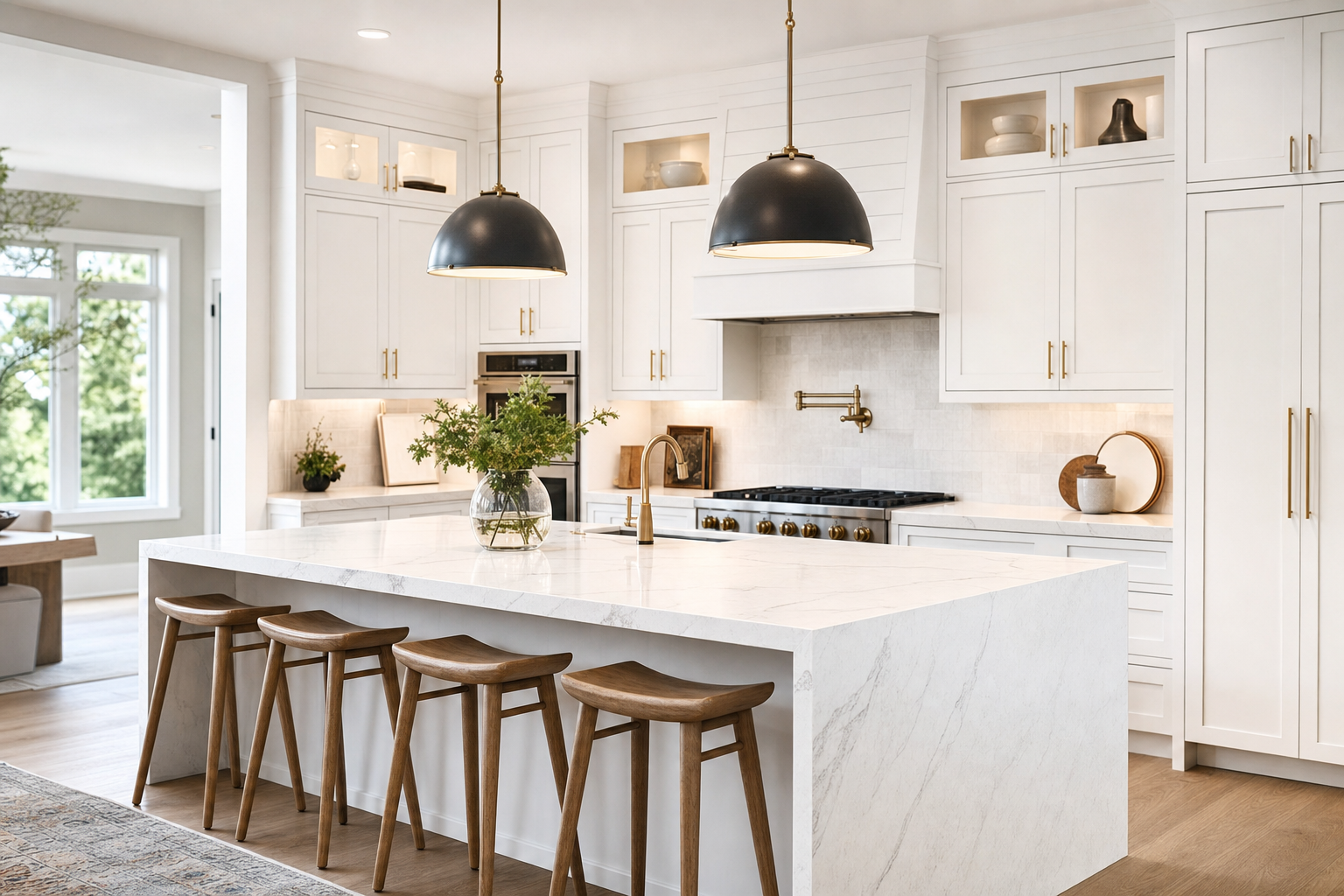
Photo of current kitchen + style preference → AI render of remodeled kitchen → phased quote → books $99 measurement. $30-80k jobs, one extra close pays for everything for a year.
This blueprint is free. Copy the master prompt below, build it with your own time, and the only outlay is a few low-cost tool subscriptions. Use it inside your own business, or sell it to clients. The numbers further down are what you can charge, not what you pay.
The Kitchen Re-Render Tool
Read the articleWho you sell it to
Kitchen remodeling companies doing $50k+ jobs, currently relying on in-home estimators who drive to every quote and close 15-25% of consultations. Ideal for design-build firms with showrooms who hate the "let me get back to you next week" lag that loses leads to competitors. Best fit: companies doing 2-10 kitchens per month who want to dramatically increase consultation show-rate and close rate.
If you sell it, here is the money picture:
The first tile is the value of your client's own jobs, which is the reason they will pay you. The other two tiles are what you charge them.
How it works
A homeowner uploads a photo of their current kitchen. The app analyzes the photo to understand the room's bones, layout, lighting, window positions, ceiling height, then renders three photorealistic AI versions of the same kitchen remodeled in the customer's chosen style with their selected material tier. Each render comes with a phased quote (cabinets/counters/floors/appliances), a budget vs mid-grade vs luxury comparison, and financing options.
The lead pays $99 to book an in-home measurement appointment, by which point they've already emotionally committed to the project and chosen a material tier.
What to expect
This is the most complex build in the library so far because the image generation must transform an entire room while preserving its structure. Expect 15-20 minutes for the initial build, then 5-10 follow-up messages to get the render quality right.
The image generation is the make-or-break of the entire tool. A pool render that's slightly off looks fine because you're adding a pool to grass. A kitchen render that's slightly off looks broken because the room itself looks wrong.
You will spend real time iterating here.
Likely follow-up prompts you'll need to send:
If the renders are changing the room shape (window moves, ceiling height changes, walls disappear): "The image generation isn't preserving the room structure. The walls, windows, ceiling, and overall camera perspective should remain exactly the same as the input photo. Only the cabinets, counters, backsplash, flooring, lighting, and hardware should change.
Adjust the fal.ai prompt to explicitly instruct the model to 'preserve room geometry, window positions, doorways, and ceiling height from the input image' and increase the 'strength' parameter for original image adherence."
If the renders look cartoony or unrealistic: "The renders look too stylized. Add 'photorealistic interior design photography, real kitchen photograph, magazine quality, professional lighting' to the prompt. Use the fal-ai/gemini-flash-edit model instead of any default, it produces much more realistic kitchen renders."
If the materials don't match what was selected: "The render isn't reflecting the chosen materials. The Style Library lookup should populate specific material descriptions, and those descriptions should appear LITERALLY in the prompt. Audit the prompt construction, make sure each variable is correctly substituted from the customer's selections."
If renders take more than 90 seconds: "Render generation is too slow. Generate the 3 renders in parallel rather than sequentially. Use Promise.all in the backend function to fire all 3 fal.ai requests at once."
Expect to spend 2-3 hours dialing in quality. Do not skip this. The first kitchen company you demo to will judge you entirely on the render quality.
Master prompt
You are an expert full-stack builder. Build a production-ready tool that… (the complete master prompt, custom input fields, build phases, pricing guidance and sales script are part of this blueprint.)
Build phases
Required tools
The AI builder
The app builder. Builder plan required for backend functions and image generation.
Builder plan starts at $50/mo
Sign upfal.ai
Image-to-image generation. Gemini Flash Edit (Nano Banana) and Flux Kontext models for room-preserving kitchen transformations.
Pay per render, ~$0.04-$0.12 each. $30 covers extensive testing.
Sign upOpenAI
Anthropic
Stripe
Twilio
AppBuild.DIY (Vibes)
Wraps the deployed KitchenVision app into native iOS/Android apps plus a polished PWA, with native push notifications for measurement reminders and abandoned-lead follow-ups, and the Camera/Photos Native Capabilities plugin enabled for smoother native kitchen-photo capture (including HEIC handling). Handles branding and app store submission.
Free up to 10 users, $49/mo for 1,000 users, $99/mo unlimited
Sign up