
Painters (Exterior), House Color Visualizer
Address pulls Street View → AI paints their actual house in 6 schemes they scroll through → square footage estimate → instant quote → books job. Customers can't visualize colors, this kills the #1 objection.
This blueprint is free. Copy the master prompt below, build it with your own time, and the only outlay is a few low-cost tool subscriptions. Use it inside your own business, or sell it to clients. The numbers further down are what you can charge, not what you pay.
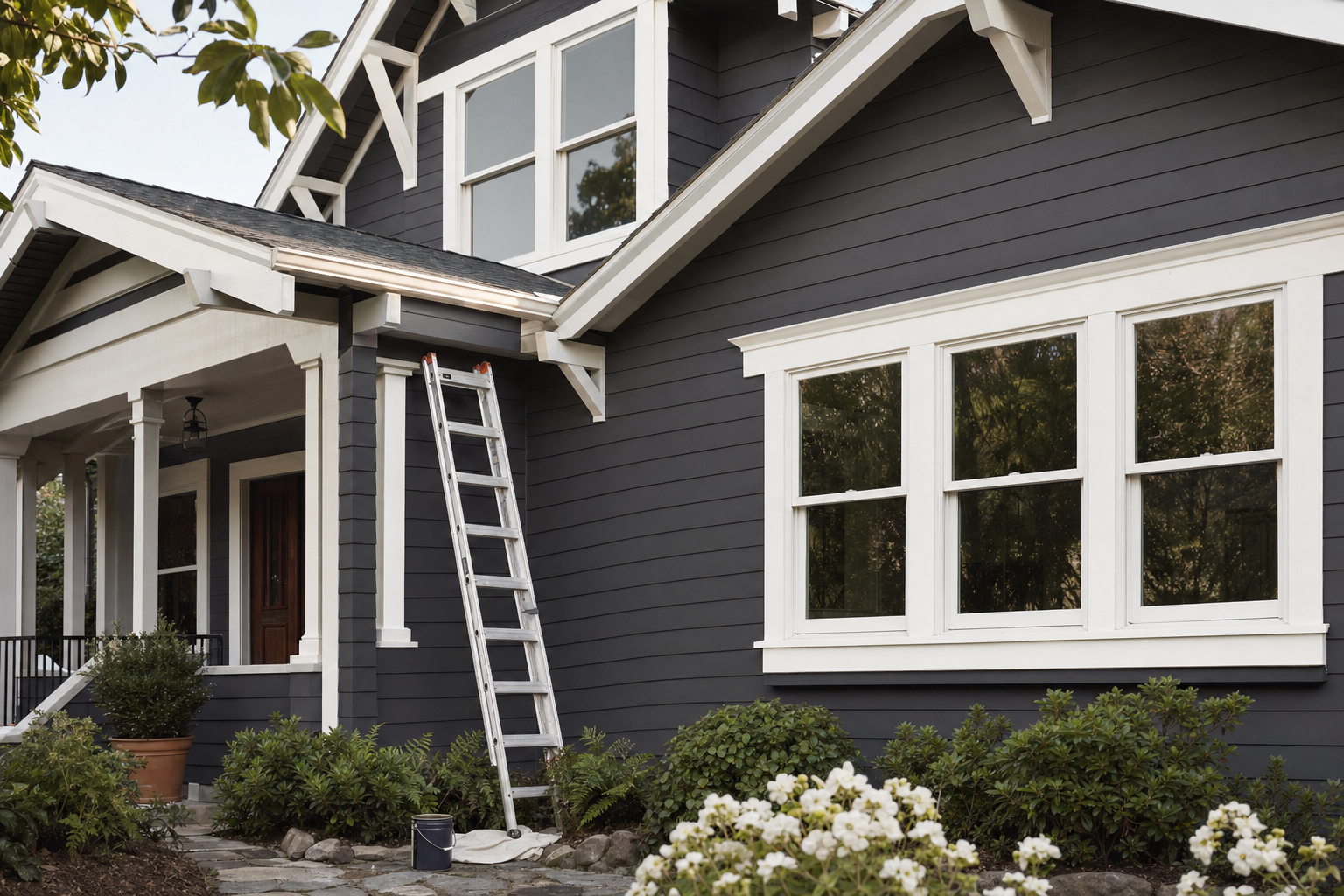
The House Color Visualizer
Read the articleWho you sell it to
Exterior painting companies running Google or Meta ads to a generic "free estimate" form, currently converting under 10% of leads to booked jobs. Color visualization is the single biggest objection in exterior painting, homeowners can't picture their actual house in a different color, so they procrastinate for months. Ideal for established painting companies doing 5-30 exterior jobs per month who want to close leads in 1 touchpoint instead of 3 site visits.
If you sell it, here is the money picture:
The first tile is the value of your client's own jobs, which is the reason they will pay you. The other two tiles are what you charge them.
How it works
A homeowner enters their address. The app pulls Google Street View imagery of their house and a Google Maps satellite view, runs a vision model to detect the architectural style + estimate square footage from the footprint, then renders six photorealistic versions of their actual house painted in different curated color schemes matched to their home's architectural style. The customer scrolls through the six options Tinder-style, picks their favorite, and sees an instant quote based on actual square footage.
They book the job with a $50 deposit through Stripe. Each scheme includes specific Sherwin-Williams and Benjamin Moore paint codes so the painter knows exactly what to bring on the day.
What to expect
This build is challenging because of the Street View + satellite combined approach, the 6-render parallel generation, and the fallback flow for houses without Street View imagery. Expect 15-22 minutes for the initial build, then 5-8 follow-up messages to dial in.
Likely follow-up prompts you'll need to send:
If Street View comes back with the wrong heading (showing a different house or the side of the house): "The Street View image isn't reliably capturing the front of the house. Add logic to try multiple headings (0, 90, 180, 270) and use Google Street View Image Metadata API to verify which heading actually shows a residence. Pick the heading with the highest confidence of capturing a house front."
If render generation takes more than 90 seconds: "Render generation is too slow, taking too long for 6 schemes. Make sure all 6 fal.ai image generation requests fire in PARALLEL using Promise.all in the backend function, not sequentially. Each render should be ~10-15 seconds, total time ~15-20 seconds."
If renders are changing the house architecture, roof, or surroundings: "The image generation is modifying parts of the house that should stay the same. Only the painted surfaces (body siding, trim, accent features) should change color. The architecture, roof, chimney, foundation, windows, landscaping, sky, and surroundings must remain identical to the input image.
Increase the image strength parameter to 0.9 and add explicit 'preserve architecture, roof, landscaping, sky' instructions to the Nano Banana prompt."
If color codes from the renders don't match the actual SW/BM colors: "The renders aren't accurately representing the actual SW/BM paint colors. Add the actual hex code for each paint color (look up the official hex value for each SW and BM code in the SchemeLibrary) to the prompt. The image gen model uses hex codes more reliably than color name descriptions."
If schemes don't match the house style well: "The selected schemes don't always match the detected house style. Audit the SchemeLibrary tags, each scheme should have compatible_house_styles array correctly populated. If a detected style returns fewer than 6 matching schemes, fall back to schemes tagged 'universal' or expand the match to closely related styles (e.g., 'farmhouse' can match 'craftsman' and 'cottage')."
If the Street View image is grainy or low-resolution: "Use the highest available resolution from Street View Static API (640x640 is max). If the image looks too low-resolution for good rendering, also try the satellite oblique view as an alternative source, Google Maps Static has an option for 45-degree aerial perspective which sometimes provides better facade visibility for taller houses or properties set far back from the street."
The biggest variability comes from Street View image quality. Some houses have crystal-clear imagery from 2024-2026 Google Street View passes; others have grainy 2015 footage with a tree blocking half the house. The fallback to upload is essential.
Test thoroughly with diverse addresses before demoing.
Master prompt
You are an expert full-stack builder. Build a production-ready tool that… (the complete master prompt, custom input fields, build phases, pricing guidance and sales script are part of this blueprint.)
Build phases
Required tools
The AI builder
The app builder. Builder plan required for backend functions and image generation.
Builder plan starts at $50/mo
Sign upGoogle Maps Platform
Street View imagery, satellite footprint measurement, address autocomplete, geocoding.
$200/month free credit, covers thousands of address lookups
Sign upfal.ai
Image-to-image generation. Nano Banana (gemini-flash-edit) excels at preserving architectural details while changing painted surface colors.
Pay per render, ~$0.04-$0.10 each. $25 covers extensive testing.
Sign upOpenAI
Vision model for analyzing house photos to detect architectural style, measurements, and existing colors.
~$0.005 per analysis
Sign upStripe
Twilio
SMS confirmations, job reminders, day-before and day-of notifications.
$15 trial credit, ~$0.008 per SMS after
Sign upAppBuild.DIY (Vibes)
Wraps the deployed web app into native iOS/Android apps plus a polished PWA. Enable the Photos/Camera Native Capability for the exterior photo upload flow, and native push notifications for consultation reminders and finish-selection alerts. Handles branding and app store submission.
Free up to 10 users, $49/mo for 1,000 users, $99/mo unlimited
Sign up