
Give a photo a 1990s Kodak Portra 400 film look
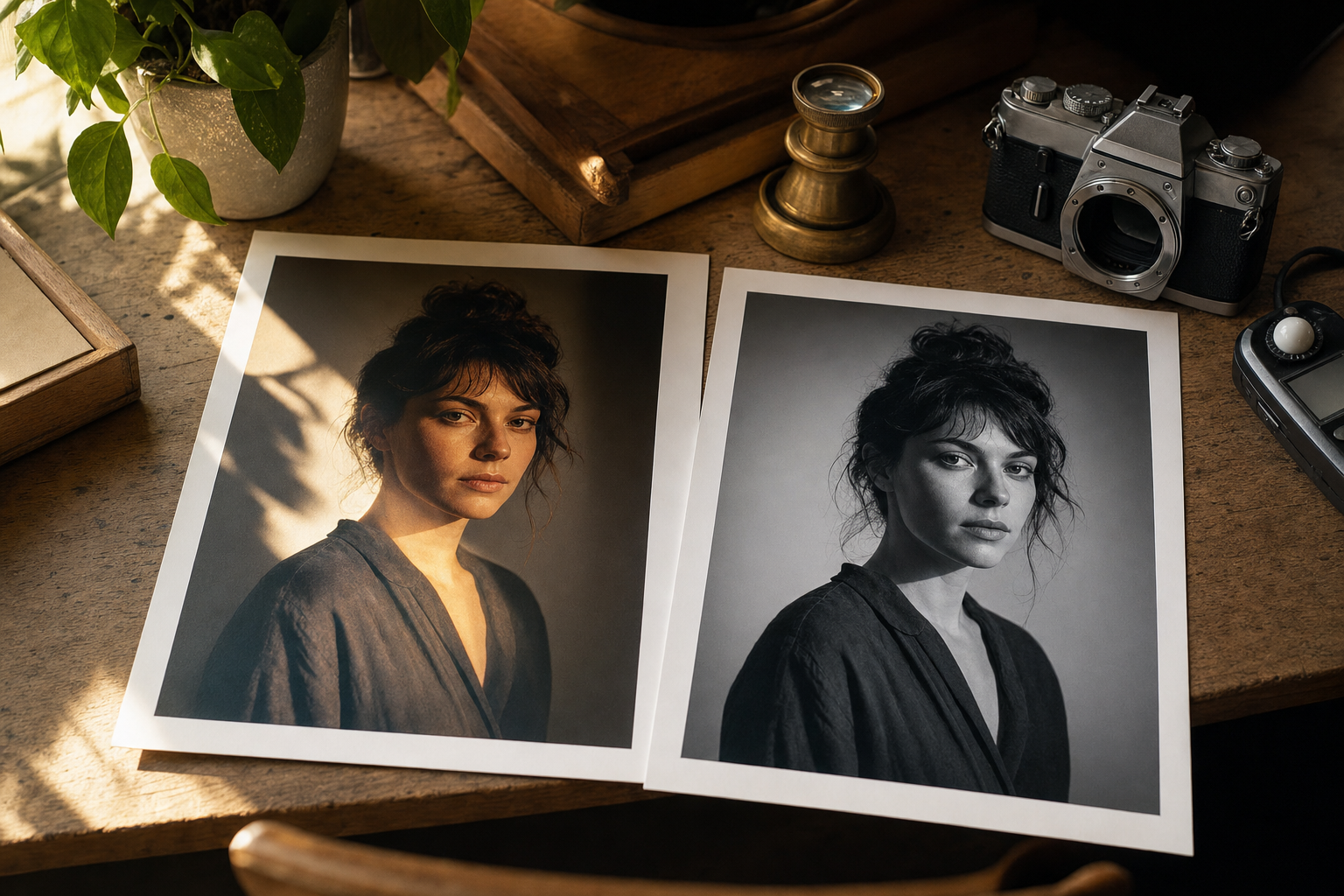
Read the story behind this prompt
You Asked for Golden Hour. The Face in the Edit Was Wrong.
Read the articleTap any variable to replace it with your own value:
AI prompt
You are a film photographer editing a real photograph in an image model that accepts a reference photo.

Task: apply a nostalgic 1990s 35mm film look to the attached photo, while keeping the person's face, features and expression identical to the reference.

Inputs:
- [PHOTO]: attach a clear photo of the person
- [CROP]: keep the original crop, or specify a new one
- [STOCK]: default Kodak Portra 400 colour
- [LIGHTING]: default a gentle on-camera flash look, or keep the existing light and only grade it
- [GRAIN]: default fine, natural 35mm grain
- [ASPECT RATIO]: match the original, or e.g. 4:5

Steps:
1. Lock the face first. Preserve the exact face, features and expression from [PHOTO], with no beautification, no face-swap and no reshaping. Keep moles, freckles, pores and natural asymmetry.
2. Grade the image in [STOCK] tones: warm highlights, slightly muted shadows, gentle skin colour, and the soft contrast associated with late-90s colour negative film. Do not oversaturate, and do not turn it into a heavy vintage filter.
3. Add [GRAIN] evenly, including in the midtones. Keep facial details sharp under the grain; do not soften the face to fake film.
4. Apply [LIGHTING]. If you add a flash look, keep it modest: a slight forward light, mild falloff, no blown forehead and no harsh raccoon shadows.
5. Hold the framing at [CROP]. A little 35mm softness at the edges is fine; the eyes must stay sharp.

Constraints and checks:
- The face must match [PHOTO] feature for feature. Treat this as a colour and texture change on the same person.
- Negative cues: a different face, plastic skin, modern HDR contrast, heavy vignetting, date stamps, text, watermarks, light leaks that hide the eyes.
- If an optional input is blank, choose a sensible default and state it. Never relax the face lock.

Output:
- One edited photograph at [ASPECT RATIO].
- A short checklist confirming the face still matches [PHOTO] and the grade reads as Kodak Portra 400.
Paste into: ChatGPT, Gemini, Photoshop Generative Fill