
Retouch a portrait for a magazine finish, keep real skin
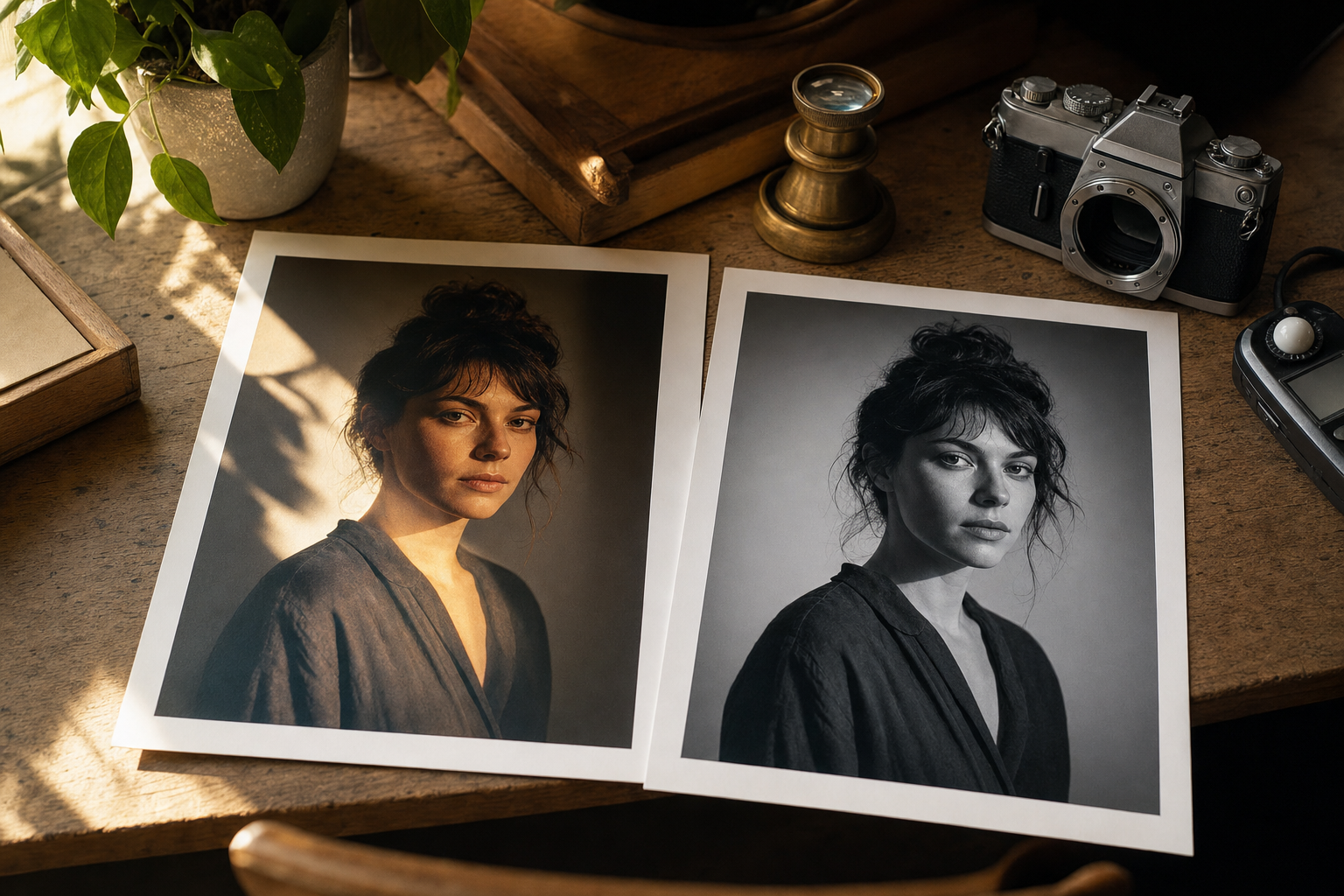
Read the story behind this prompt
You Asked for Golden Hour. The Face in the Edit Was Wrong.
Read the articleTap any variable to replace it with your own value:
AI prompt
You are a high-end portrait retoucher editing a real photograph in an image model that accepts a reference photo.

Task: do a natural, magazine-ready retouch of the attached portrait, while keeping the original facial structure, landmarks, moles and skin pores intact.

Inputs:
- [PHOTO]: attach a clear portrait
- [CROP]: keep the original crop, or specify a tighter one
- [SKIN]: default keep all pores, moles and natural texture; even out only harsh patches of light
- [CLEAN-UP]: default remove distracting flyaway hairs and background clutter
- [EYES]: default keep existing catchlights, or add a small, believable catchlight if the eyes are dull
- [ASPECT RATIO]: match the original, or e.g. 4:5

Steps:
1. Lock the face first. Keep 100% of the original facial structure, landmarks, moles and natural skin pores from [PHOTO]. Do not smooth the skin into a plastic finish, and do not alter the features, eye shape, nose, jaw or expression.
2. Even out harsh lighting on the face and clothes so the exposure feels consistent, without flattening form.
3. Carry out [CLEAN-UP]: stray hairs that distract from the face, lint, and clutter in the background. Do not change the hairstyle or invent a new backdrop.
4. Treat the eyes with care: keep them sharp, and follow [EYES]. Balance the overall colour so skin, teeth and clothing look clean and true to life, as they would in a careful print finish.
5. Hold the framing at [CROP]. The result should look like a well-finished photograph of the same person, ready for a magazine, a website team page or a print.

Constraints and checks:
- The face must match [PHOTO] feature for feature. If a mole, freckle or line was in the original, it stays.
- Negative cues: plastic skin, frequency-separated doll skin, a different face, reshaped features, extra fingers, whitened teeth past natural, text, watermark.
- If an optional input is blank, choose a sensible default and state it. Never relax the face lock.

Output:
- One edited photograph at [ASPECT RATIO].
- A short checklist confirming pores and moles remain, and that lighting and colour are cleaner without a plastic finish.
Paste into: ChatGPT, Gemini, Photoshop Generative Fill