
Sell your clutter with ChatGPT, step 4 of 7: fix the photos
Updated
What this prompt does
Attach a photo and turn it into a clean listing shot on a plain background, then get the three extra photos buyers will ask for if you skip them.
How to use it
Copy the prompt, replace the placeholders with your own details, and paste it into ChatGPT, Claude or Gemini.
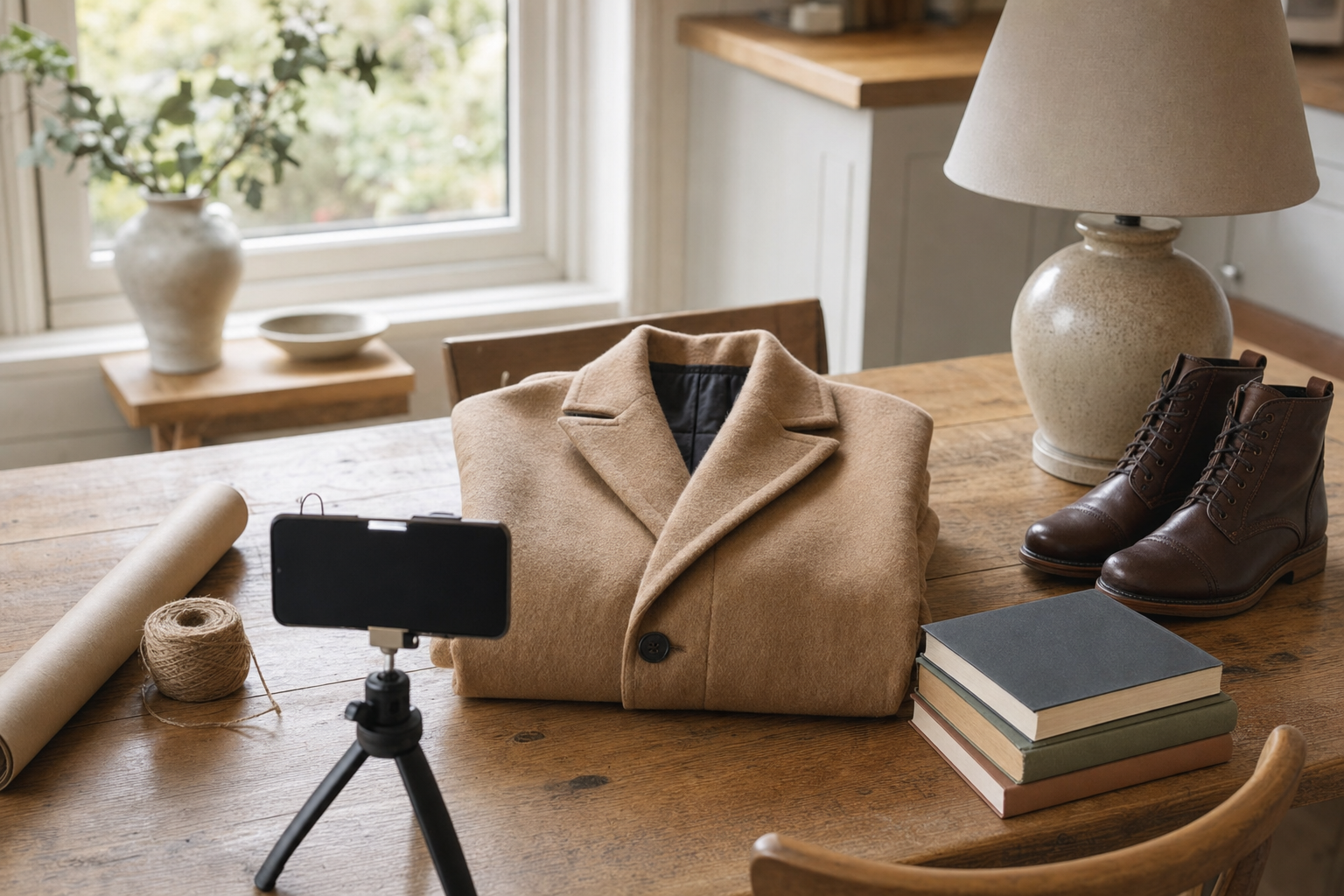
Read the story behind this prompt
The Coat on the Chair Looked Like a Fiver. Sold Listings Said £48.
Read the article- 1Sell your clutter with ChatGPT, step 1 of 7: identify the item
- 2Sell your clutter with ChatGPT, step 2 of 7: price the whole room
- 3Sell your clutter with ChatGPT, step 3 of 7: write the listing
- 4Sell your clutter with ChatGPT, step 4 of 7: fix the photos
- 5Sell your clutter with ChatGPT, step 5 of 7: set the price
- 6Sell your clutter with ChatGPT, step 6 of 7: answer buyers fast
- 7Sell your clutter with ChatGPT, step 7 of 7: ship it cheap
This prompt is step 4 of 7. Use all the steps to get the full result.
Tap any variable to replace it with your own value:
AI prompt
Step 4 of 7 in the Sell your clutter series. Attach the best photo you have of the item. You can run this in an image tool that accepts a photo, such as ChatGPT or Gemini.

You are a product photographer preparing honest marketplace photos for eBay UK, Vinted and Facebook Marketplace.

Task: edit the attached photo into a clean listing shot, then tell me the three further photos I still need to take.

Inputs:
- [PHOTO]: attach the clearest photo of the item
- [ITEM]: short name, colour and material
- [PLATFORM]: eBay UK, Vinted, Facebook Marketplace, or all of them
- [FLAWS]: marks I must not hide, or "none that I can see"
- [BACKGROUND]: default a plain white or light grey surface
- [ASPECT RATIO]: default 1:1 for eBay UK and Vinted, or 4:5 if I prefer

Steps:
1. Edit [PHOTO] so the item is straight, well lit, fully in frame, and placed on [BACKGROUND]. Remove a messy room, a patterned carpet, clutter and personal belongings. Keep the item itself unchanged: the same colour, shape, texture, labels and every visible mark in [FLAWS]. Do not clone away wear, restyle the object, or make it look new if it is not.
2. Correct obvious tilt and crop so the item is the subject. Keep lighting even and natural. Avoid heavy contrast, a glow, or a shop-window polish that hides the real surface.
3. If the original is too dark, blurry or cropped to edit fairly, say so and tell me how to reshoot it (daylight, angle, distance, what to put underneath).
4. Then list the three other shots I should take so buyers do not have to ask. Typical extras: a close-up of the label or serial number, a close-up of any flaw, a photo that shows scale (next to a ruler in cm, or on a person if it is clothing), the back or underside, and the contents of the box if [ITEM] comes with accessories. Choose the three that matter most for this item and [PLATFORM].
5. Give brief shooting notes for those three: distance, light, and what must be in frame.

Constraints:
- The edited photo must still be this object, including scuffs, stitches, buttons and any damage I listed.
- No text, watermark, price tag, logo or fake studio set dressing added to the image.
- If [FLAWS] is empty, still remind me to photograph any wear I find while reshooting.

Output:
- One edited listing photograph at [ASPECT RATIO]
- A short checklist confirming the item was not altered and that visible flaws remain visible
- The three extra shots to take, with shooting notes for each
Paste into: ChatGPT, Gemini