
Turn a photo into a golden hour portrait, same face
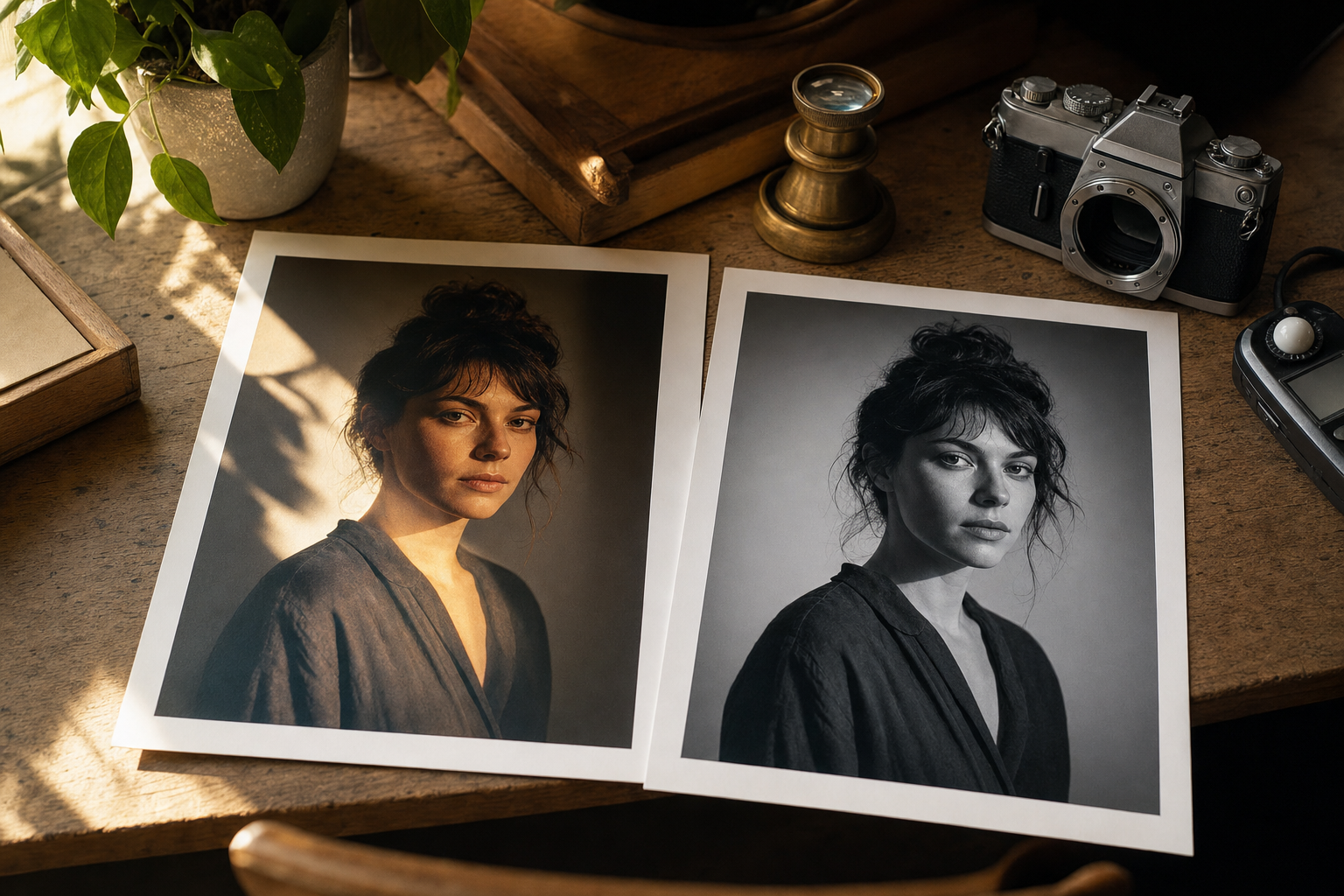
Read the story behind this prompt
You Asked for Golden Hour. The Face in the Edit Was Wrong.
Read the articleTap any variable to replace it with your own value:
AI prompt
You are a portrait photographer editing a real photograph in an image model that accepts a reference photo.

Task: restyle the attached photo as a warm golden hour outdoor portrait, while keeping the person's face identical to the reference.

Inputs:
- [PHOTO]: attach a clear photo of the person
- [CROP]: head and shoulders, half body, or full length
- [SETTING]: e.g. a park path, a field, a garden at sunset
- [WARDROBE]: keep the original clothes, or describe a change
- [LENS]: default a 50mm f/1.2 look
- [ASPECT RATIO]: e.g. 4:5

Steps:
1. Lock the face first. Keep the exact facial identity, bone structure, eyes, nose, mouth, skin texture, hairline and expression from [PHOTO]. Do not beautify, slim, smooth or reshape the face. Zero facial distortion.
2. Change the lighting and environment to golden hour at [SETTING]: warm, directional sunset light hitting the side of the face and hair, with softly blurred natural greenery behind the subject.
3. Keep natural skin pores and authentic hair strands. Match the colour of the light on the skin, hair and [WARDROBE] so the person belongs in the new light.
4. Use a shallow depth of field and a [LENS] look. Frame the shot as [CROP].
5. Grade it with warm highlights and a gentle shadow rolloff. Keep colours believable. Do not push the orange until the skin looks painted.

Constraints and checks:
- The face in the result must match [PHOTO] feature for feature, including moles, freckles and natural asymmetry.
- Negative cues: a different face, plastic skin, extra fingers, warped ears, heavy makeup, text, watermark, anything that hides the eyes.
- If an optional input is blank, choose a sensible default and state it. Never relax the face lock.

Output:
- One edited photograph at [ASPECT RATIO].
- A short checklist confirming the face, hair and expression still match [PHOTO].
Paste into: ChatGPT, Gemini, Photoshop Generative Fill