
AI Design Brief Prompts: A UX Design Brief Generator and 7 More
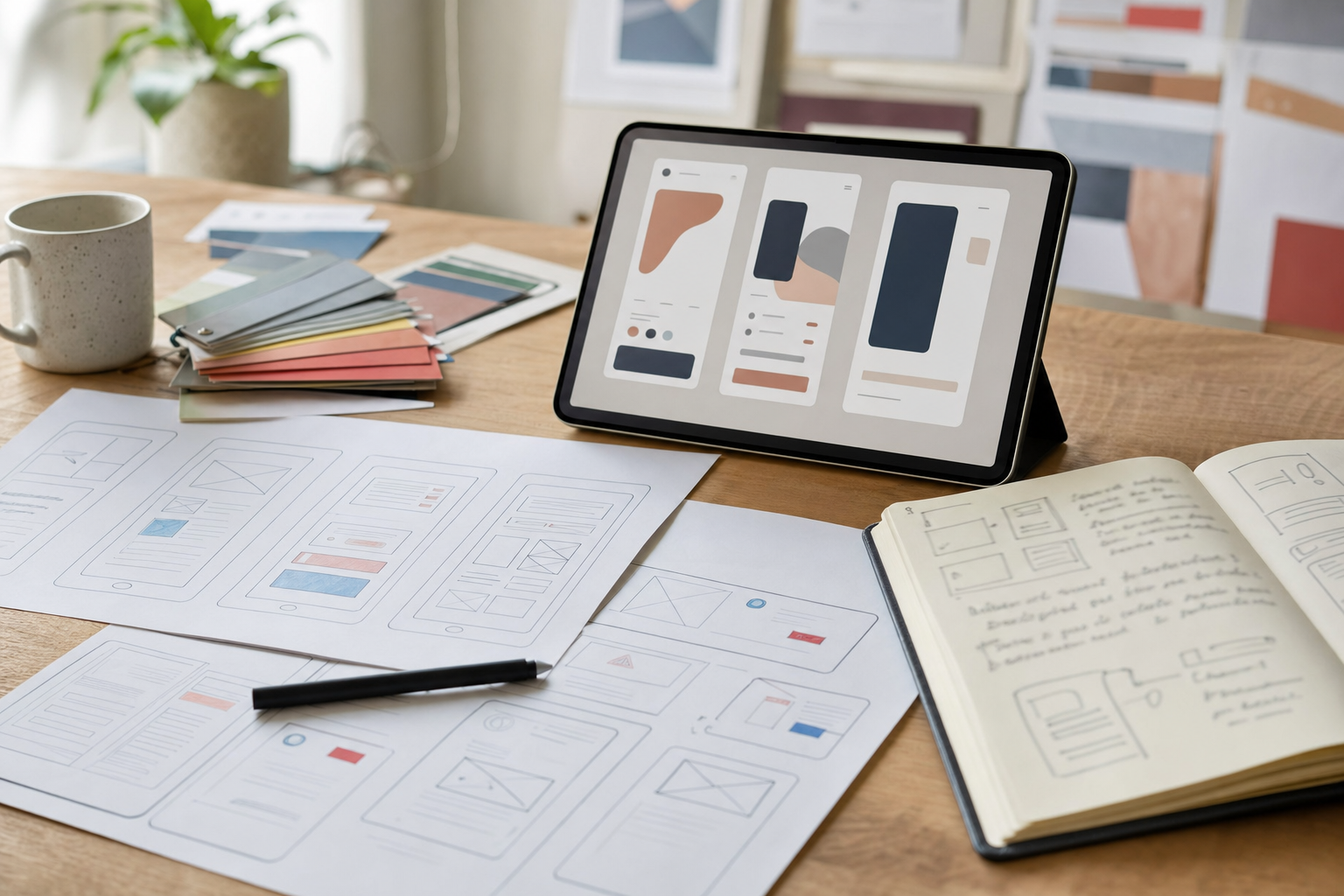
A designer starting a project wants 3 things: what the client said, what they meant, and the questions still unanswered.
That's what a design brief is for, and it's usually written last, in a rush, from notes only one person can read. These 8 prompts turn notes, transcripts and vague emails into briefs a designer can build from on day one.
Try the free UX design brief generator prompt first. Paste your discovery notes and get a 10-section brief back in a minute.
UX design briefs
From messy discovery notes
The UX design brief generator from messy discovery call notes sorts your scrawl into problem statement, users, goals, scope, key flows, key states (empty, loading, error, success) and open questions. Anything it inferred gets tagged [ASSUMPTION], so you know what to check before it reaches the designer.
Example: notes say "booking flow too long, mobile mostly, owner hates the calendar." The brief comes back with a 4-step booking flow, a mobile-first constraint, and an open question asking which part of the calendar is the problem (looks, speed or availability rules).
From a call transcript
Recorded the kickoff call? The AI design brief from a client call transcript pulls goals, references and budget hints with supporting quotes, flags contradictions ("wants it minimal" and "wants all 12 services on the homepage"), then writes a short follow-up email asking about the gaps.
Brand and creative briefs
For logo and identity work, the brand identity creative brief prompt turns a founder questionnaire into personality traits with "this, not that" guardrails, a competitor visual audit and 3 moodboard routes.
For the everyday "can we get something for social?" email, use turn a vague client request into a one-page creative brief. It fills the brief and lists every assumption as a yes/no question the client can answer in one reply.
Ad, landing page and redesign briefs
- Ad creative brief generator for Meta and TikTok: 5 angles, 2 hooks each, a full video script with shot list, and a testing plan.
- Landing page design brief: section-by-section wireframe with real draft copy, so the designer never works around lorem ipsum.
- Website redesign brief: uses analytics and real complaints to decide what's broken, what must survive, and a new sitemap with a redirect plan.
Before any of these: the intake questions
Every brief is only as good as what you collected. The client intake questions prompt builds a service-specific form (design, SEO, brand, ads), marks the 6 must-answer questions, and keeps the whole thing under 15 minutes for the client.
How to use them
- Send the intake form before the kickoff call.
- After the call, run the transcript or notes prompt and send the gap email the same day.
- Once the client answers, run the specific brief prompt (brand, ad, landing page or redesign) and hand it over.
Doing this for clients every week? Our Agency Systems pro prompts turn it into a full tool you own: the UX design brief generator for discovery calls, the brand identity brief generator, the ad creative brief generator and a client intake gap chaser.
Next discovery call, paste your notes into the UX design brief generator. And if you write SEO briefs too, we've got 6 AI prompts for SEO briefs as well.