
Free creative brief generator: template, prompts, example
A good creative brief gets your first round of concepts approved. It tells the designer the one thing the work must say, who it is for, what to keep and what to avoid, so you skip the "it doesn't feel like us" meeting and the second round nobody budgeted for.
You can write one in about 15 minutes with a free creative brief generator made of AI prompts that work in ChatGPT, Claude or Gemini. This guide gives you the 12 sections a brief needs, a copy-paste template, the prompt that fills it from a client email or call notes, add-ons for brand, logo and campaign briefs, a designer's check, a full worked example and a workflow from request to final files. If you have a client email open right now, paste it into the one-page creative brief prompt and start there.
The 12 sections every creative brief needs
Most rejected first rounds trace back to three gaps: more than one key message, adjectives with no limits, and nobody agreeing up front how the work will be judged. Here is what to cover and the problem each section prevents.
| Section | What goes in it | What it prevents |
|---|---|---|
| Project and owner | What we are making, and who signs it off | Late feedback from a boss nobody briefed |
| Background | Why this is needed now | Work that solves last year's problem |
| Objective | One result you can measure or clearly see | Designs judged on taste alone |
| Audience | Who they are, and what they should think, feel or do | Work aimed at the client's own taste |
| Key message | One sentence, plus up to 3 supporting points | Crowded layouts that say nothing |
| Personality | 3-4 traits, each with a limit | "Bold" read as loud, "friendly" read as childish |
| Mandatories | Logo, colours, legal lines, things customers recognise | Losing what already works |
| Must avoid | Styles, clichés and competitor looks | Concepts that look like everyone else |
| Deliverables | Format, size, quantity and channel for each | "I assumed you'd do the Instagram versions too" |
| References | 3-5 examples, with what to take from each | Copying a reference wholesale |
| Timeline | Sign-off, concepts, feedback round, final files | Feedback that drifts for weeks |
| How we judge round one | The 3 questions the approver will ask | "I'll know it when I see it" |
Free creative brief template
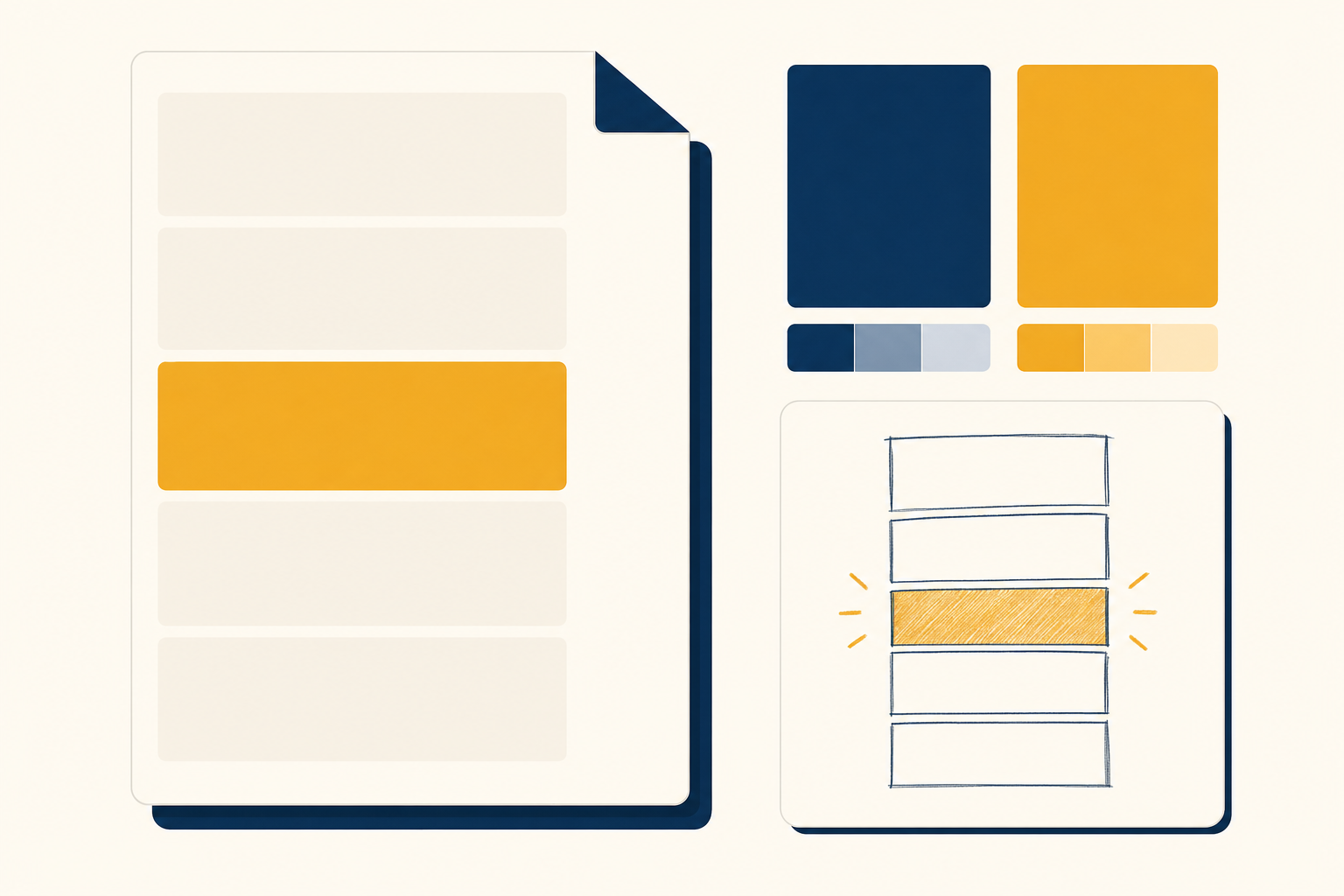
Copy this into a doc and keep it as your master. It works for brand identity, logo, campaign and everyday graphic design briefs. The add-ons further down cover what changes for each.
CREATIVE BRIEF

1. Project and owner: what we are making, and who signs it off
2. Background: why this is needed now, in 2-3 sentences
3. Objective: one result we can measure or clearly see
4. Audience: who they are, and what we want them to think, feel or do
5. Key message: one sentence, plus up to 3 supporting points
6. Personality: 3-4 traits, each with a limit (e.g. "warm without being cute")
7. Mandatories: logo, colours, legal lines, product shots, things to keep
8. Must avoid: colours, styles, clichés, competitor looks
9. Deliverables: format, size, quantity and where each one will appear
10. References: 3-5 examples, with what to take from each
11. Timeline: brief sign-off, first concepts, feedback round, final files
12. How we judge round one: the 3 questions the approver will ask
Want it filled in for you? Paste the client's request into the free one-page creative brief prompt. It writes the background, objective, key message, deliverables and timeline, then turns every assumption into a yes/no question the client can answer in one reply.
The creative brief generator prompt
This version fills the full template with your own project details, so every brief you send has the same shape. The "limit" rule on personality traits does most of the work: it stops the AI writing a list of nice adjectives that any designer could read three ways.
You are a senior creative director. Turn my notes into a one-page creative brief a designer could start from today, using the template below.

Type of project: [brand identity / logo / campaign / social graphics / packaging / other]
Client and what they do: [client]
The client's request or call notes, word for word: [paste]
Audience: [who sees the work]
Existing brand assets: [logo, colours, fonts, past work, or "none"]
Budget or hours, and deadline: [amount, date]
Who approves the work: [name and role]

Rules:
- Write one key message only. Put anything else under supporting points.
- Give each personality trait a limit, e.g. "bold without shouting".
- Make every deliverable countable: format, size, quantity and channel.
- Where my notes don't say, write [CONFIRM] instead of guessing. At the end, list every [CONFIRM] item as a yes/no question the client can answer in one reply.
- Keep it to one page.

Template:
[paste the creative brief template]
Paste the client's own words wherever you can. Their exact phrases ("I want it to feel less corporate") are the ones the check prompt below will tighten, and you'll spot requests you missed on the call.
Add-ons for brand, logo and campaign briefs
The template is the same for every job. What changes is the extra detail the designer needs. Add these lines to the generator prompt for each brief type.
Brand identity brief
Add a competitor visual audit (what the category looks like and the territory left open), every touchpoint the identity must work on, from favicon to van signage, and 3 moodboard routes. The brand identity brief from a founder questionnaire does all three from a founder's answers. Rebranding? Use the rebrand brief prompt to list exactly what to keep and what to change.
Logo design brief
Add the exact name and spelling, the smallest size it must read at, one-colour use and the shapes or symbols to avoid. Once the brief is signed, the logo concept prompt turns it into 3 concepts with rationale, and the two-theme logo prompt suits names that combine two ideas. For type, the typeface pairing prompt matches fonts to the personality traits in your brief.
Campaign and graphic design brief
Add the channel, sizes and the reaction you want in the first 3 seconds. The campaign creative brief prompt adds success metrics and 3 execution ideas, and the visual design brief prompt sets the visual hierarchy for a single ad, poster or landing page hero. Paid social teams should use the ad creative brief generator for Meta and TikTok, which builds angles and hooks from customer reviews.
Check the brief before the designer sees it
Run a second pass in a fresh chat, so the AI reads the brief the way the designer will. This is where you catch the words that cause rework.
You are the designer who will work from this brief, and you have been burned by vague briefs before. Read it and tell me what will slow you down or cause a rejected first round.

Brief: [paste]

1. Quote every word or phrase that two designers would read differently (e.g. "modern", "clean", "premium") and suggest a concrete replacement.
2. Say whether the key message is a single idea. If it is two, say which one to keep.
3. List any deliverable that lacks a size, format, quantity or channel.
4. Name anything a designer needs that is missing: assets, references, approver, feedback date.
5. Write the 3 questions the approver is most likely to raise when they see round one, and whether the brief answers them.
Finish with the 5 edits that matter most, in order.
Turn vague brief wording into direction
These phrases turn up in almost every client request. Each one means something different to every designer, so swap them for something they can act on.
| Vague brief wording | Write this instead |
|---|---|
| Make it pop | Raise contrast between the headline and the background, and make the product the largest element |
| Modern and clean | Sans-serif type, plenty of white space, no more than 2 colours plus neutrals |
| Premium | Muted palette, fewer elements, larger photography, and no discount language |
| Fun | Bright accent colour, rounded shapes, and one playful illustration per design |
| Like Apple | Name what you like about it: the white space, the product photos or the short headlines |
| Something eye-catching for social | One bold image, under 8 words of text, readable on a phone at arm's length |
A worked example creative brief
Here is a brief produced with the prompts above for an imaginary pottery studio that needs a new logo and identity. Notice the single key message, the limit on every personality trait, the "must avoid" line that rules out the category cliché, and the three judging questions agreed before any sketching starts.
CREATIVE BRIEF: Kiln & Co logo and identity

Project and owner: a logo and small identity system for Kiln & Co, a pottery studio that runs evening and weekend classes. Approver: Maya Ortiz, founder.

Background: the studio has run for 3 years under a hand-drawn logo that blurs at small sizes. A second studio opens in March, and classes now sell mostly through Instagram and the booking site.

Objective: an identity that works from a 32px booking-site icon to a shopfront sign, ready before the March opening.

Audience: adults aged 25-45 booking a class as a treat or a gift. We want them to feel the studio is friendly for beginners and good enough to come back to.

Key message: a calm, hands-on place where beginners make something they are proud of.
Supporting points: small classes, all materials included, gift vouchers.

Personality
- Warm without being cute
- Crafted without being precious
- Calm without being sleepy
- Local without looking homemade

Mandatories: keep the name exactly as "Kiln & Co". Keep the terracotta colour customers already know.
Must avoid: pottery-wheel icons (every competitor uses one), brush scripts, pastel palettes.

Deliverables
- Primary logo, stacked and horizontal versions, plus a one-colour version
- Icon for favicon and Instagram profile, tested at 32px
- Colour palette of 4 colours with hex and CMYK values
- 2 typefaces (display and body) with usage notes
- 3 Instagram post templates and 1 gift voucher design (A6)
- Files: SVG, PNG, PDF

References
- A local bakery's packaging, for the warmth of its hand-cut shapes
- A Scandinavian furniture shop, for the restraint and spacing
- Clay glaze test tiles, for colour ideas beyond terracotta

Timeline: brief sign-off 14 Nov, 3 concept routes 25 Nov, one feedback round by 28 Nov, final files 9 Dec.

How we judge round one
- Would a nervous beginner feel welcome?
- Does it still read at the size of a phone icon?
- Could it belong to any other studio in town?

[CONFIRM]
- Should the second studio share the same logo, or have a location mark? (yes/no: same logo)
- Can the terracotta shift slightly if it prints better? (yes/no)
The designer knows what to make, what to stay away from and how round one will be judged. When the founder sees a concept and asks "could this be any other studio?", the answer is already in the brief.
A creative brief workflow, from request to final files
A brief does its best work when it sits inside a simple process. This is the workflow we'd use for any brand, logo or campaign job.
- Collect the answers first. Send the client intake questions prompt before the kickoff call, so the call is spent on decisions.
- Draft the brief the same day. Run the generator prompt on the client's email or your call notes, and send the [CONFIRM] questions straight away.
- Check it. Run the designer's check and make the top five edits.
- Pick a direction before anyone designs. Use the mood board brief prompt to agree 3 visual routes and a "definitely not" list. Tight budget? The creative directions prompt gives 5 routes that fit your limits.
- Get the brief signed. A short reply from the approver saying "yes, this is the brief" is enough. Point back to it when feedback drifts.
- Agree the scope. Turn the deliverables list into a scope the client signs with our free scope of work generator.
- Brief production. If the work includes a shoot or video, the production brief prompt turns the approved concept into a plan the crew can follow.
Which brief do you need?
This guide covers creative, brand, logo and graphic design briefs for a single project. For UX and product work, see AI design brief prompts: a UX design brief generator and 7 more, which collects prompts for discovery notes, call transcripts, landing pages and redesigns.
Running a branding studio that briefs several identity projects a month? AI design brief generator for branding agencies walks through a tool that reads a client's old logos, brochures and competitor sites and writes the brand brief for you. The full build plan is free in the AI Brand Identity Brief Generator pro prompt.
Mistakes that get first rounds rejected
- Two key messages. The designer has to pick one, and the client remembers the other.
- Adjectives with no limits. "Bold" without "without shouting" gets you shouting.
- No "must avoid" list. Ruling things out narrows the work faster than adding references.
- A missing approver. If the person who signs off never saw the brief, expect a second round.
- Judging criteria agreed after the concepts. Write the 3 judging questions into the brief, before anyone opens a design tool.
Write your next brief today
Open the last request a client sent you, paste it into the one-page creative brief prompt with the template above, then run the designer's check. You'll have a brief ready to sign in about 15 minutes, and a clear answer when feedback starts to wander.
For more prompts like these, with the method behind them, get the free Prompt King Handbook. It shows you how to get better results from ChatGPT, Claude and Gemini for client work, writing and the rest of your business.